|
| SOLIDWORKS Training 30HRS ( Online Live+ Free Recording ) (28Hrs) 28 Days |
|
| TOPICS TO COVER |
|
|
| Introduction to PDC & CAD/CAM/CAE |
| Parametric and Non-parametric Modeling |
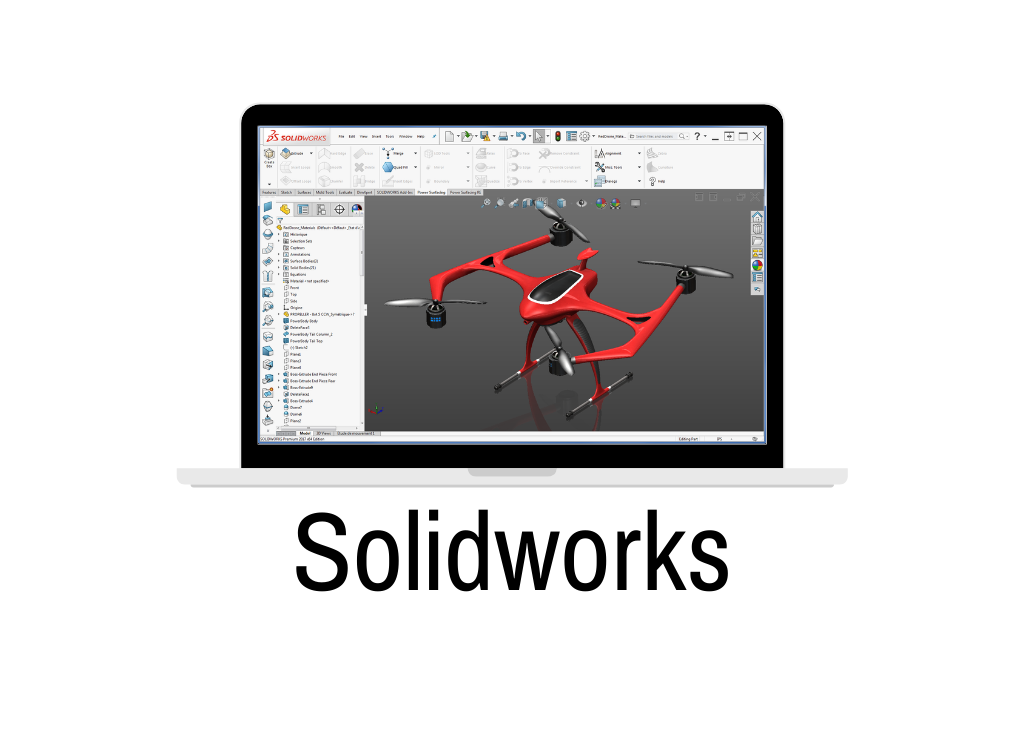
| Introduction to Solidworks |
| GUI of Solidworks |
|
| Sketch Module |
| Sketch Entities |
| Sketch Modifying Tools |
| Parametric Modelling |
| Geometric Relations |
| Fully Defined Sketch |
| Over defined Sketch |
| Under defined Sketch |
|
| Part Design Module |
|
| Solid Modelling |
|
| Creating Base Features |
| Creating Reference Geometries |
| Creating New Planes |
| Creating Reference Axes |
| Creating Reference Points |
| Creating Reference Coordinate Systems |
| Creating Cut Features |
| Creating Standard Holes Using the Hole Wizard |
| Adding External Cosmetic Threads |
| Selection Methods |
| Changing the Sketch Plane of the Sketches |
| Editing Using the Instant3D Tool |
| Deleting Features |
| Deleting Bodies |
| Suppressing Features |
| Unsurprising the Suppressed Features |
| Creating various types of Curves |
| Creating Dome Features |
| Creating Indents |
| Creating Deform Features |
| Creating Flex Features |
| Creating the Mounting Boss |
| Creating Snap Hooks |
| Creating Snap Hook Grooves |
| Creating Vents |
| Creating a Lip/Groove Feature |
| Creating Freeform Features |
|
| Rendering |
| Editing Appearance |
| Editing Scene |
| Editing Decal |
| Rendering Settings |
| Rendering a Region |
| Final Rendering |
|
| Sheet Metal Design |
| Creating the Base Flange |
| Creating the Edge Flange |
| Creating the Sketched Bend |
| Creating the Miter Flange |
| Creating Closed Corners |
| Creating Hems |
| Creating the Jog Bend |
| Breaking the Corners |
| Creating Lofted Bends |
| Converting a Solid Body into a Sheet Metal Part |
| Ripping the Edges |
| Forming Tool design |
|
| Surface Design |
| Creating an Extruded Surface |
| Creating a Revolved Surface |
| Creating a Swept Surface |
| Creating a Lofted Surface |
| Creating a Boundary Surface |
| Creating a Planar Surface |
| Creating a Fill Surface |
| Creating a Radiated Surface |
| Offsetting Surfaces |
| Trimming Surfaces |
| Untrimming Surfaces |
| Extending Surfaces |
| Knitting Surfaces |
| Filleting Surfaces |
| Replacing Faces |
| Deleting Faces |
| Mirroring Surface Bodies |
| Adding Thickness to Surface Bodies |
| Creating a Thicken Surface Cut |
| Creating a Surface Cut |
|
| Weldment Design |
| 3D Sketching |
| Assign Structural Members |
| Performing end operations |
| Using End Cap, Gusset |
|
| Assembly Module |
| Introduction to Assembly |
| Assembly Approaches |
| Applying Standard Mate |
| Applying Advanced Mate |
| Applying Mechanical Mates |
| Creating Patterns of Components in an Assembly |
| Copying and Mirroring Components |
| Smart Fasteners |
| Hiding Components |
| Creating the Exploded State of an Assembly |
| Creating Exploding and Assembly Videos |
| Design Library and Toolbox |
| Motion Study |
|
| Drawing Module |
| Adding New Sheets to the Drawing Views |
| Editing the Sheet Format |
| Creating User-Defined Sheet Formats |
| View Layout Tab |
| Creating different views from the 3D Model |
| Generating Drawing Views of the Exploded State of an Assembly |
| Editing and Modifying Drawing Views |
| Adding Balloons to the Drawing Views |
| Adding Annotations to Drawing Views |
| Adding the Bill of Materials (BOM) to a Drawing |
| Output as PDF |


Reviews
There are no reviews yet.