Serving Since 10+ Yrs OFFLINE & ONLINE Since Pandemic
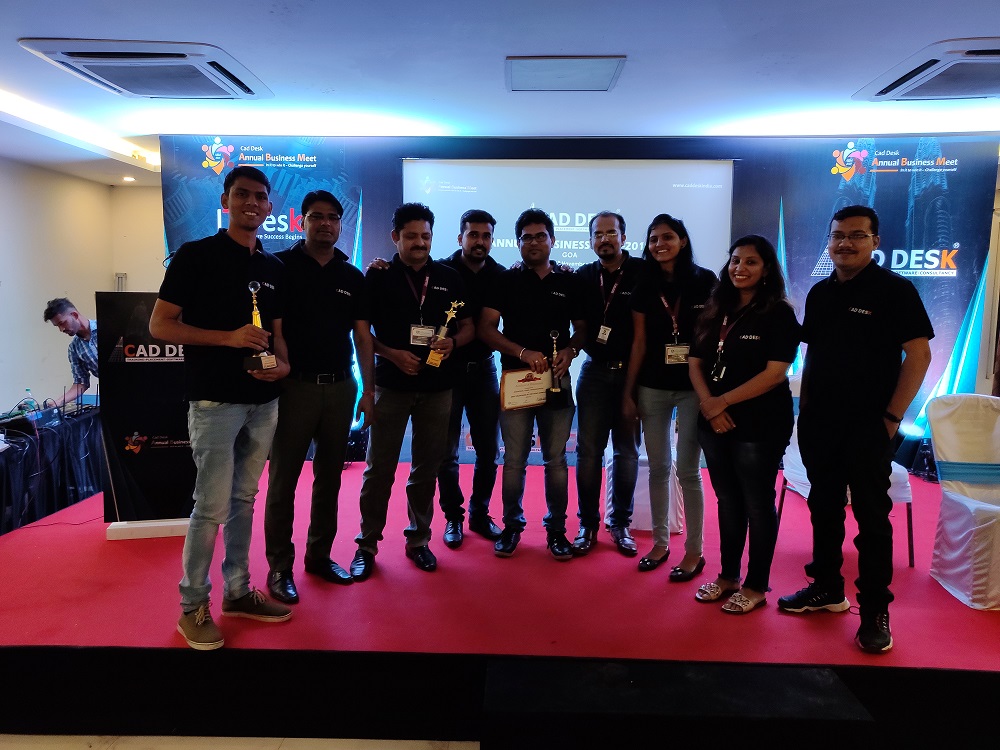
Great TEAM !!! Experienced Trainers ..Serving since 10+ Yrs @ Pune
Rohit Ranjan Being Technical Graduate in Engineering & MBA in Marketing with more than 10+ yrs of cumulative experience,
Great Experience in to Live Training,Corporate Training Consultants for Various Engineering Design Interior Architectural Companies
He has worked as Mentor in shaping students to achieve Right Career Goal & Achieving Digital Success
CADDESK Pune Hadapsar & CAD DESK Swargate is under the Franchise of Umbrella Company Of Coresoftech Solutions Promising to Delver Quality Training
CAD DESK Pune – to deliver the best through our team of permanent and qualified guest & Industrial faculties.
IT will be our endeavor to ensure we owe up to your expectation.
We Understand CAD Better !!!!!
Yes Complete Total Software Live Training !!!( Its Not Crash Course) + FREE RECORDING ACCESS
SYLLABUS
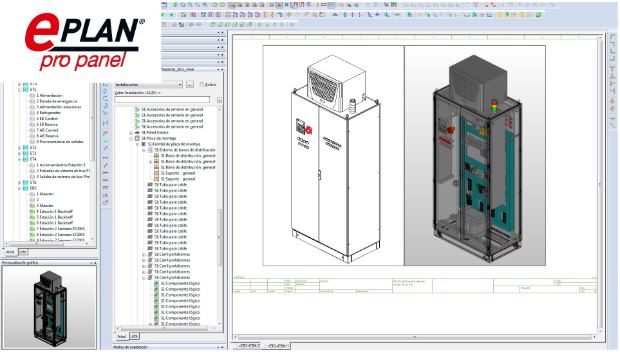
EPLAN PRO PANEL Training
Topics to Cover
EPLAN Workspace different the standard views, rotate etc.
- EPLAN Demo Introduction
- EPLAN Isolating ,adding the elements of the enclosure, & accessories function
- Building EPLAN with 3D EPLAN PANEL layout
- Inserting the wire ducts and mounting rails
- Placing the devices Check collision Change length
- Place the elements in CAB3, part placement with update function
- Making & Placing the PLC rack, observing the mounting clearances for various PLC and the other devices
- The Terminal strip , The sorting effect ,The terminal VS accessories
- Terminal strip & label display settings
- Placing the elements on the door , emergency stop, twin pushbutton, selector switch
- Terminals strips withCAB3
- wire ducts and mounting rails with more Efficiency with the new functions
- Panel Layout Information with EPLAN PRO PANEL, Integration & Export in 3D
- 3D model views of Panel,
- 2D panel layout for mounting various panel with door
- Enclosure legend filtered out for particular element –The door,The mounting panel
- The Parts filtered per enclosure or the cabinet
- Drilling Patterns i) – How to extract this information
- Drilling Patterns 2 – The issues to resolve
- Drilling Patterns 3 – The Export to various (to DXF, to PDF, Perforex etc.) files etc.
- Industrial Assignments-1
————————-
- Why EPLAN PRO PANEL Needed for CONTROL PANEL DESIGN
- WHY EPLAN PRO PANEL Needed after Electric P8
- The workspace EPLAN and how to switch between Electric P8 & Eplan Pro Panel .
- Insert the new layout space and an electrical enclosure for EPLAN Pro PANEL
- The Different standard views and freely rotate the enclosure in 3D
- Changing the handle of the object in 3D layout space.
- The various Accessories function How & where it is very useful
- How to Insert and work effectively with various cable ducts and mounting rails with also special rail for Siemens S7-1500 PLC.
- Inserting the various devices both on the mounting panel with backplate and on the door.
- Placing the power , the switchgear, the pushbuttons, the emergency stop pushbutton, the PLC,the frequency converter with variable speed drive.
- Isolating and adding different parts of the enclosure for better efficiency
- Learning about the collision check function and how to use it
- Applying different placements and the positioning options – changing length, adopting length, placing centered, changing handle etc.
- Using mounting clearances function for the special devices i.e for PLC, DC power supplies, frequency converters -VFD or VSD
- Exporting model views and Exporting in 2D panel layouts
- Generating and filter enclosure legend for example only for the enclosure of the door
- Learning about the drilling views and the drilling patterns
- Exporting drilling patterns to DXF and then PDF and also integrate to your EPLAN Electric P8 with EPLAN PRO PANEL.
- Industrial Assignments-1
It’s a LIVE Online ( 2 Way Interaction ) Training batches for ONLINE LIVE
Also FREE recorded access Free given to those Enrolled..so they can Take training as per their convenience.
100% Live Online + Free Recorded ( Live Training Even You Missed Free Recording will be given Free)
There will be LIVE Doubts Clearance Q&A Round & interaction
You can share yours Computer Screen Doubts QA in Zoom/ Google Meet
Since Free Recording Is also given -Even you Missed Few Class because of Time Issues/ Internet you Can access through our Own LMS Learning Management Software Lifetime Access FREE.
EPLAN Training Start s Mon 13 Dec 7.45 PM to 9.15 with QA Doubts Session IST weekdays IST )
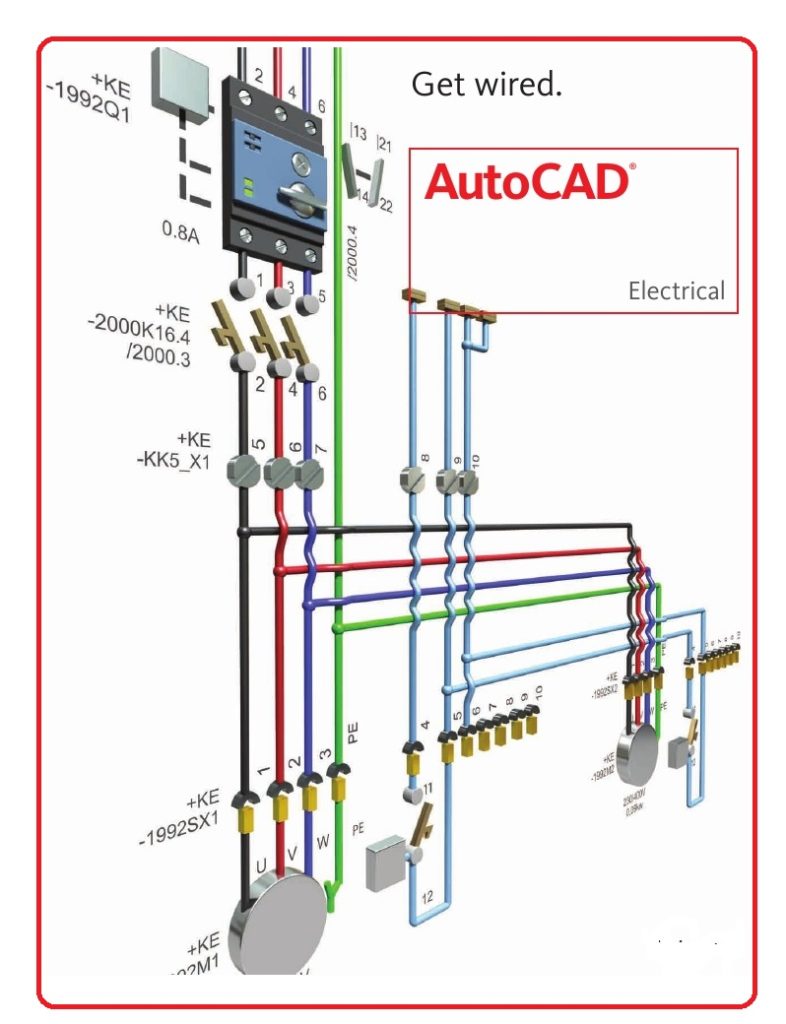
New Autocad Batch 21 Days ( 3 weeks Monday to Friday )
Starts Every Month 2nd Week Monday 7.00 PM to 8.00 PM or 8.00 PM to 9.00 PM batch
+ Mechanical Projects
+Civil Project
+Electrical Projects
+Interior /Architecural Projects +Electrical Projetcs
Also Recording Available of Previous Batches which you Can Immediately Access .
So Its upto you You can Start ePLAN or Autocad First ..
Suggested to go 1 by 1 software Training
Total Duration for 1 Software : 1 month each Software +Bonus Days
Yes!! you will get access to all the videos for Lifetime.. ( i.e Recording of Previous LIVE classes or Current Recorded) . You can watch at any time as per your Convenience 24 by
Major Part of our video Live lectures by Default will be English
However all students Comfortable in 50%-50% English Hindi language. can be possible upon request to trainers
Anyone who is a student Diploma BE electrical or Equivalent entrepreneur , business owner , start up founder , marketing executives , Almost anyone and everyone.
Any Stream BA BCom BSC MBA MA MSC Any Stream of Engineering Diploma/ BE/ ME Civil / Architecture/ Mechanical/ Electrical etc
Even you Want to Learn Can also Take This course as your CAREER INTEREST .
This is only for serious action takers.
Yes !!! Refundable only as special case if all candidates are not satisfied with quality of training by the given trainers
Should Claim within 4 Days from the date of Training gets Started.
Total Standard Duration for
Free AUTOCAD Training
14 Days +4 Bonus Days
1 Hours Daily + QA Training & Practice )
EPLAN TRAINING
4 -5 Weeks : 45 Hours Minimum 1 Hours Daily + QA Mon To Friday
+ Ebook Practice
Book Free
This Training is only for people who has interest & can take action .
Eplan Classes Will be 7.45 PM To 9.00 PM Weekday s Batch Monday To Friday STARTS Mon 13 Dec 2021
AUTOCAD Class Starts Every Month Mon at 7.00 PM to 8.00 PM or 8.00 PM to 9.00 PM Weekdays Every Month
Once you Enrolled Software Autocad link or Students version ePLAN to Install will be Given . You can install yourself.
However if you want assistance in installation Online through anydesk will will be provided.
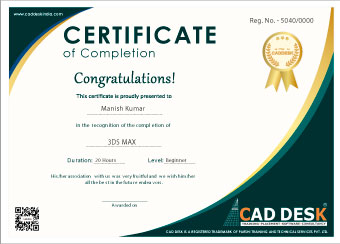
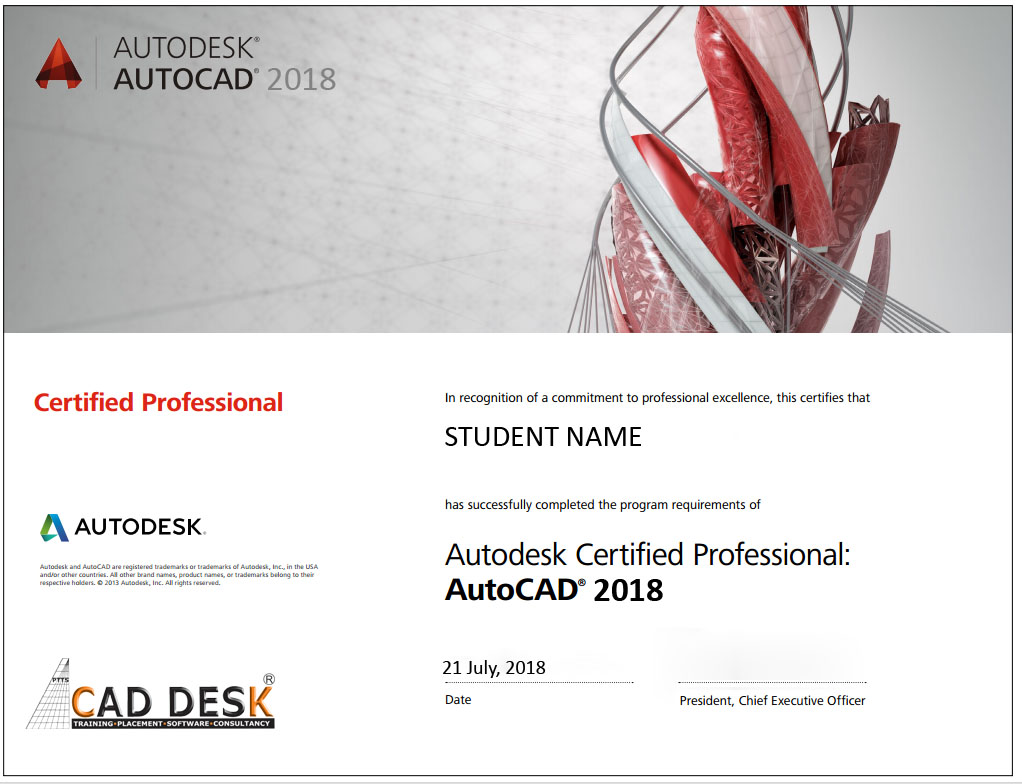
After Completion will getISO 9001:2015 Certification of Training. E-Certificate Will be provided after 1 week of Completion . For Two Software Training Diploma ISO 9001:2015 Certificate Will be Provided .

Write info@caddeskpune.com or Whatsapp/CALL to +91-8793166470 or use whatsapp Chat Box.