Skip to content
+918793166470 info@coresoftech.com Call Now Ask ?
Best Software Training Center Pune

Best Software Training Center Pune

  • IT Training
    • Full Stack Development Training
    • SOFTWARE TESTING – Manual & Automation Testing Using Selenium
    • Introduction to .NET
    • Full Front End Development -HTML CSS JAVSCRPT J QUERY Training
    • PYTHON TRAINING COURSES
    • ADVANCE PYTHON -Web Development Using Python
    • Data Science Machine Learning Training Courses
    • Data Science Machine Learning Training Courses
    • C C++ Training Courses
  • CAD TRAINING -Online Training / Offline Training
    • Civil / Architectural /Interior
      • Autocad Training for Civil
      • Revit Architecture Training
      • 3ds max Training
      • V Ray Training
      • Sketchup Training
      • Lumion Training
      • Photoshop Training
      • Vastu Shastra Training
      • ETABS Training
      • StaadPro Training
      • MSP Training
      • Primavera Training
      • BIM -Building Information Modeling Training
      • Civil 3D Training
      • MX Road Training
    • Mechanical
      • Autocad Training for Mechanical
      • CATIA Training
      • Creo Training
      • NX CAD Training
      • Solidworks Training
      • Inventor Training
      • ANSYS Training
      • BIW Training ( Body In Wide)
      • CNC Training ( CNC & VMC Programming )
      • GD &T Training ( Geometric Dimension & Tolerances)
    • Electrical
      • Autocad Training for Electrical
      • Electrical AutoCAD ( Advance )
      • Design Of Control Panel
      • PLC SCADA Training
      • ePLAN Training
      • Complete EPLAN Training Online
      • EPLAN PRO PANEL TRAINING
      • Complete EPLAN ProPANEL Training Online
  • Placements
    • Job Calls
    • Placed Candidates & Our Clients
    • Internship Training
    • Certificates
    • Download Certificates
    • Students Work (Projects)
    • Syllabus (Download)
  • Cart
Close Button

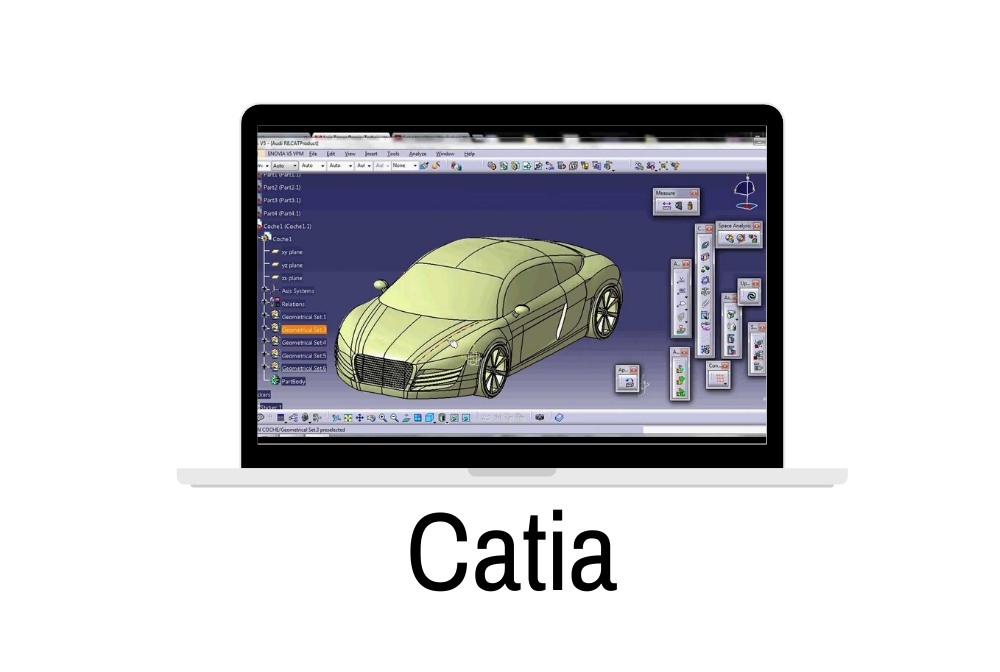
CATIA Training

FLAT 30 % OFF Apply Coupon Code GET30

AutoCAD is Very Powerful drafting CAD software used to create 2D Drawings and 3D Models Precisely

Training Higlights

Live Training

Doubts Session

Lifetime Recording

Free Ebook

Interview Calls

ISO Certificate

Course Syllabus

Advance CATIA: No. Of Hours – 28-30 hrs + Minimum 21Hours Self Practice Hours + Projects i.e. Total -6 modules

Introduction and Overview of CATIA CAD/CAM/CAE Product Cycle Environment of CATIA Introduction to Menu Bars, Modules

SKETCHER MODE

Profile, Predefined profile, Circle, Spline, Conic, Line, Axis, Point.Corner, Chamfer, Relimitations,Transformation, 3-D geometry.Constraint- Geometrical constraint. Tools- Sketch solving status.

Sketch tool, Views, Standard options etc.Exercises

PART DESIGN

3D Reference Elements (Point, Line, Plane)

Pad, Pocket, Shaft, Groove, Hole, Rib, Slot, Stiffener, Loft, Remove Loft

Fillet, Chamfer, Draft, Shell, Thickness, Thread/ Tap, filleted pocket, Transformation feature-

Patterning, Scaling, Mirror

Insert, Annotation, Measure,inseart body,creation of axis system

Boolean Operations: Assemble, Add, Remove, Intersect,union trim ,remove lump.

Copy paste(sketch ,feature),paste special, power copy,UDF,Design Table,Catlauge

creation,Formula creation.Exercises

WIRE FRAME & SURFACE DESIGN

Extrude, Revolve, Sphere, Offset, Trim, Split, Boundary, ExtractJoin, Translate, Rotate, ExtrapolatingSweep, Loft, Blend, Transformation FeatureProjection, Intersection, 3D Circle, Corner, Helix, Fill, Connect Curve, Spline etc.Exercises

GENERATIVE SHAPE DESIGNExtremum, Polar extremum,Spine,Spline Combine etc.

Reflect line, Conic, Spiral, Parallel Curves, Polyline etc.

Healing, Dissemble, Untrim, Curves Smoothening,

Law Creation, Fillet, Adaptive sweep, Multiple

Extract, Patterning etc.BIW templates

ASSEMBLY DESIGN Insert Component, Product, Part, Existing component, Replace component, Graph tree, reording,

Generate numbering, Fast muti-instation, Catalog Browser etc.

Manipulation, Snap, Smart move, Explode, Stop manipulate on clash etc.

Coincidence, Contact creation, Offset, Angle, Fix, Fix together, Quick constraint, Change

constraint, Reuse pattern etc.

Checking Interference- Clash, Sectioning etc.

Assembly Features etc.

Creating Scenes, Editing scenes etc.

Exercises

SHEET METAL DESIGN

Sheet metal parameters, wall, wall on edge, extrusion, bend, flange, and hopper, fold/unfold, cut out, hole, Pattern corner relief, corner, bend stamps,from flat.

DRAFTING

1) Generative Drafting

Front View, Auxiliary View, Projection Views, Unfolded view, Section Views, Detail View, Broken

View, Clipping view, View creation wizard etc.

Dimension generation, Balloon generation etc

Positioning Views, Modifying Views etc

Dimension properties, Addition of tolerance etc

Frame cretion, frame modification, Addition of Bill of material etcExercises

2) Interactive Drafting

Placing Drawing View, Addition of sheet, Multi view (2.5 D) etc.

Geometry creation, Geometry modification, Dress Up Features, Dimension creation, Dimension

edition , Dimension analysis, Constraint creation, Addition of sybols like datum, geometrical

tolerance, roughness symbol, welding symbol, weld, datum with target, etc

Addition of text with leader, text edition, Graphic properties, table etc.

+FREE GD & T LIVE / Recording  Training in OFFER 

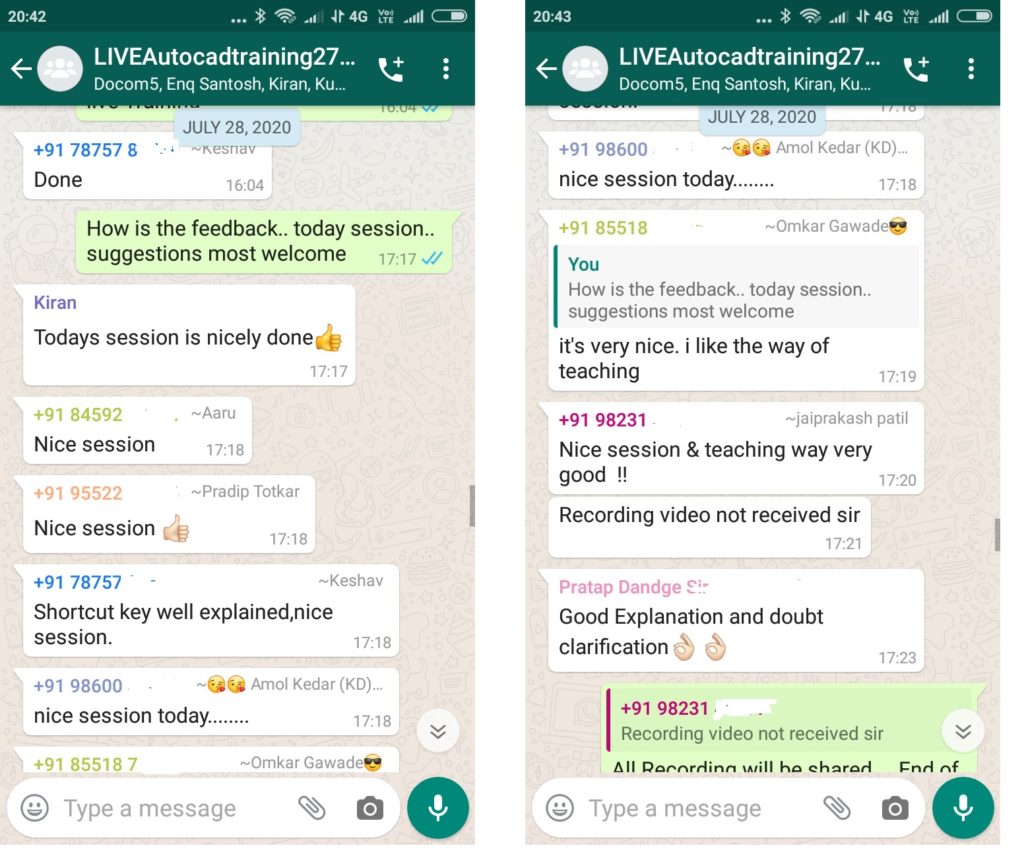
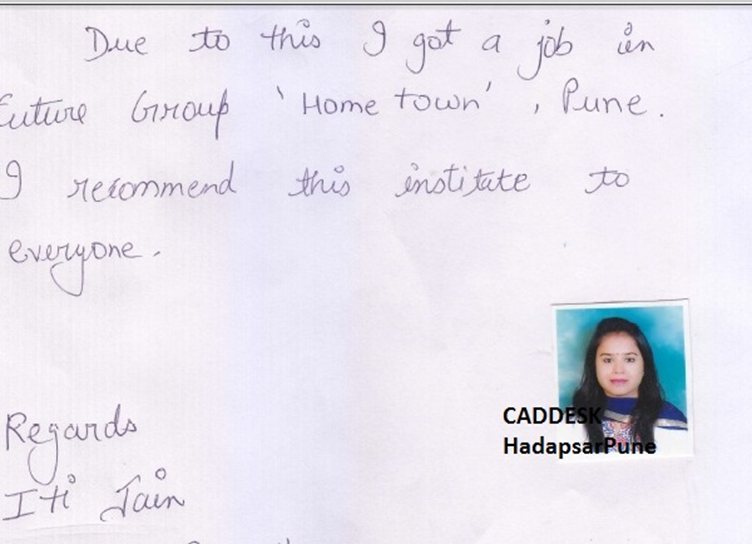
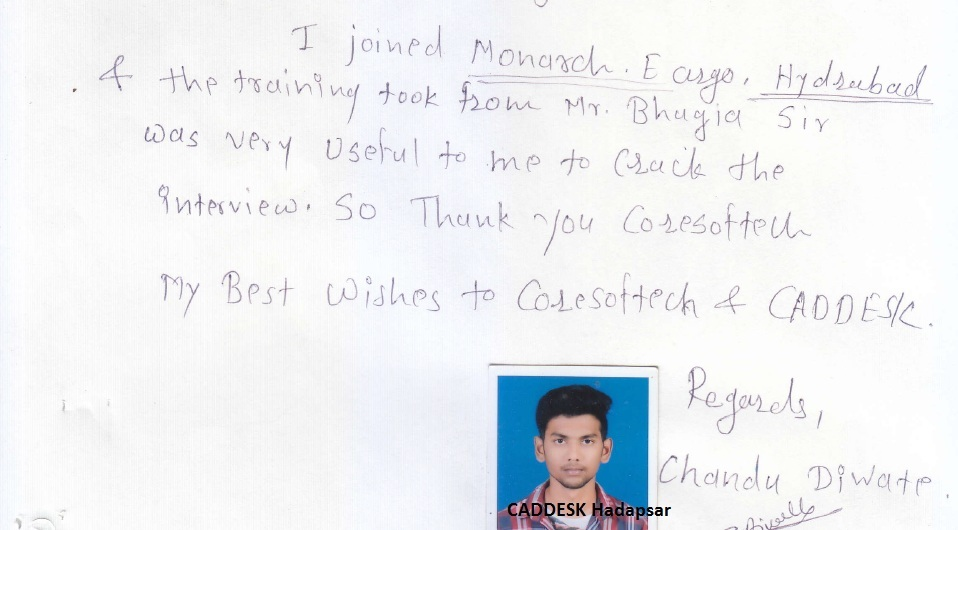
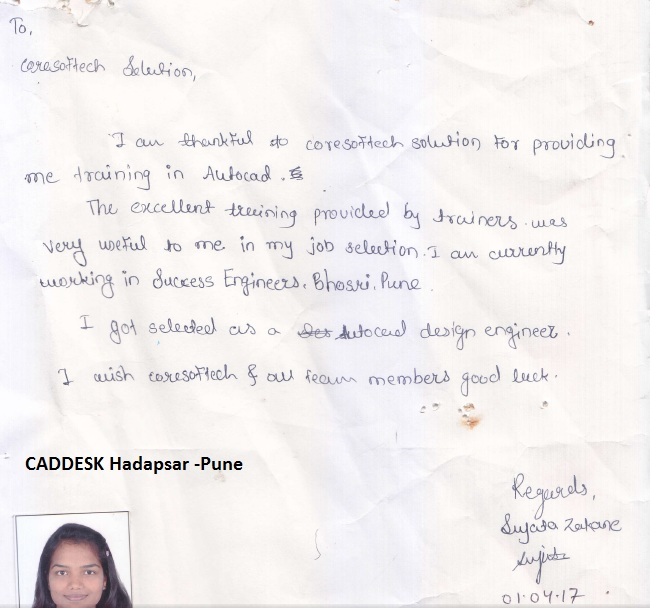
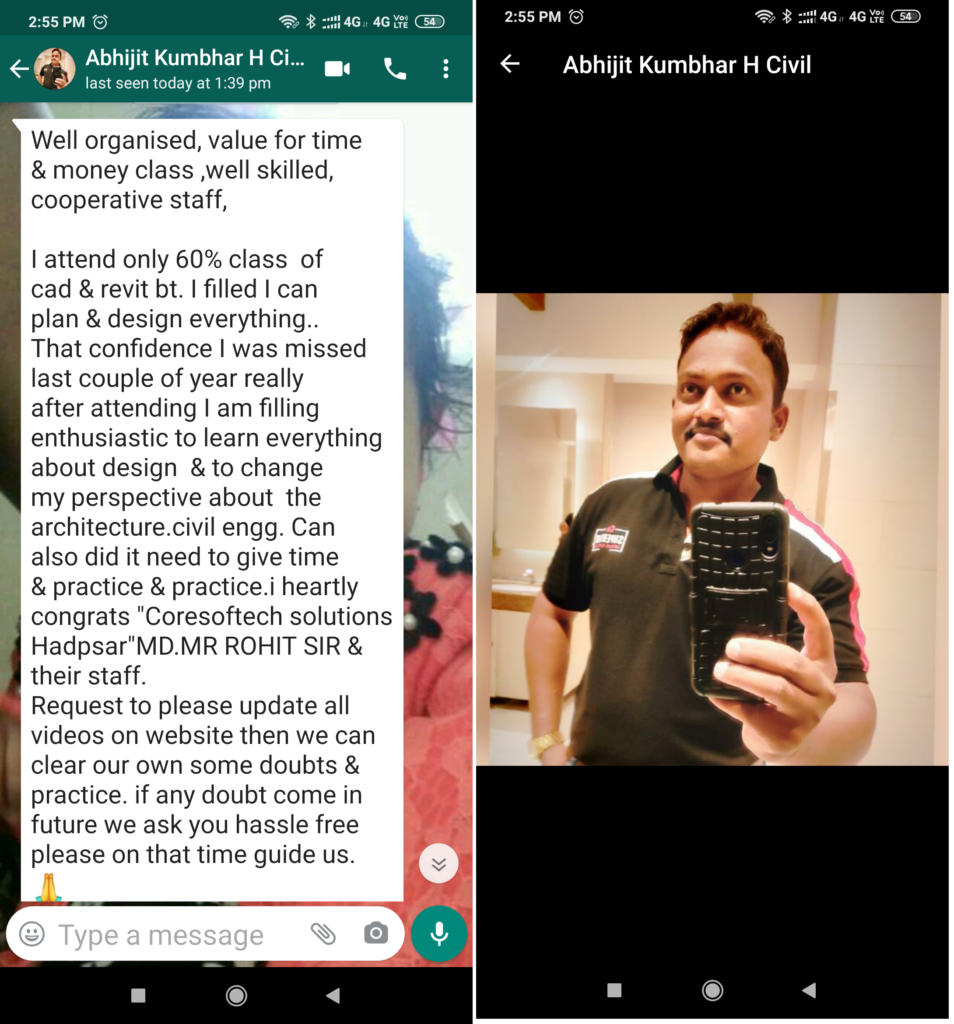
Feed Back - What our Student Says

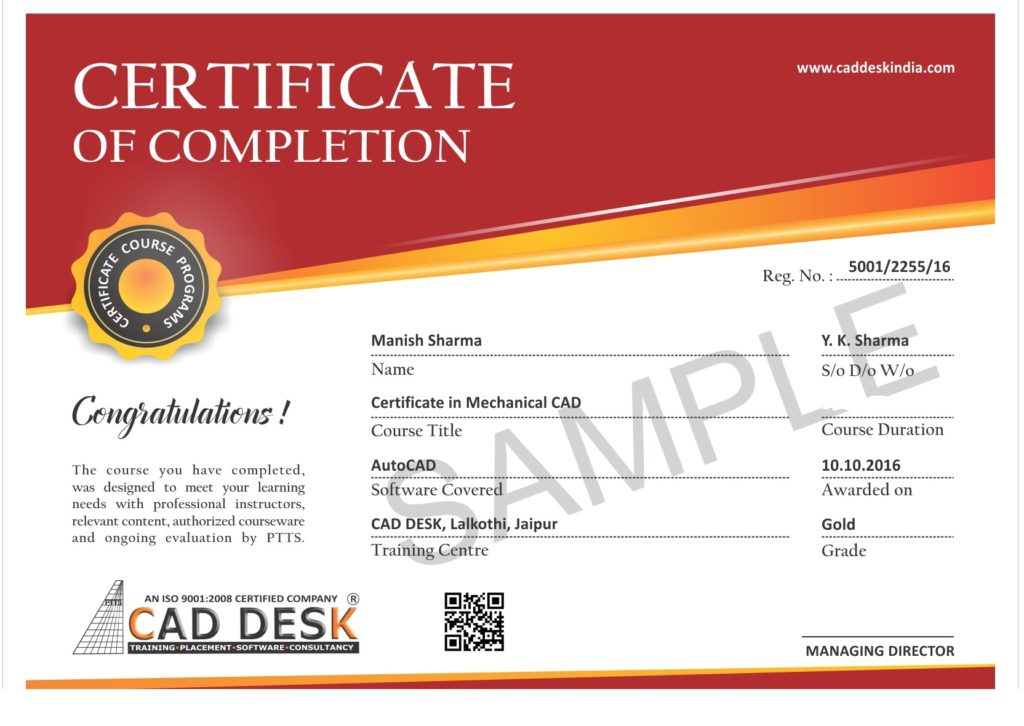
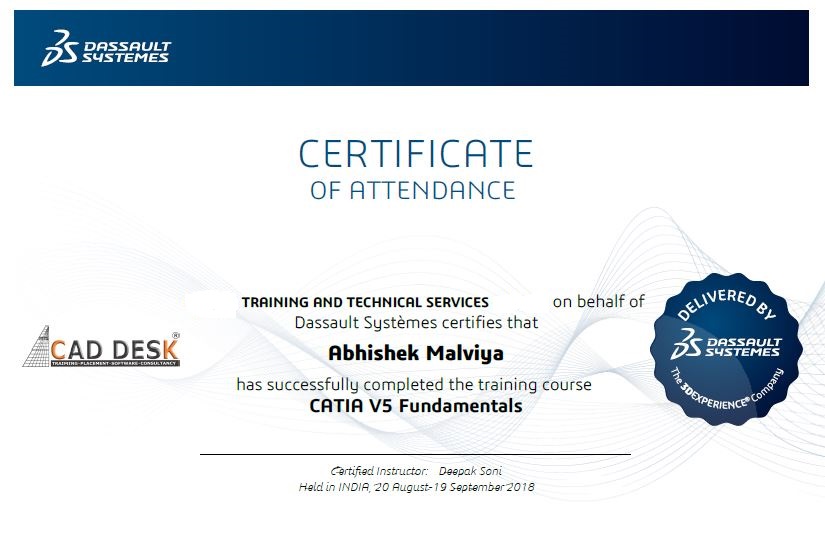
How will you get your certificate?

After Successful Completion  Course Students will get ISO Certified SoftCopy  via Mails or Can be Easily Downloaded from https://coresoftech.com 


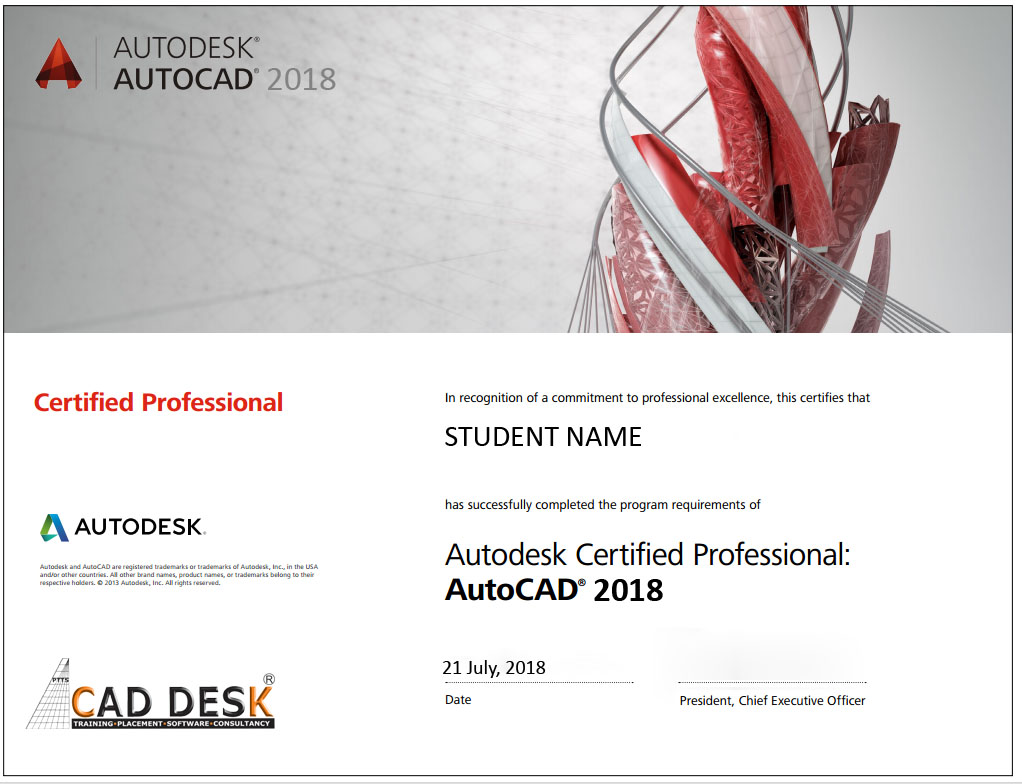
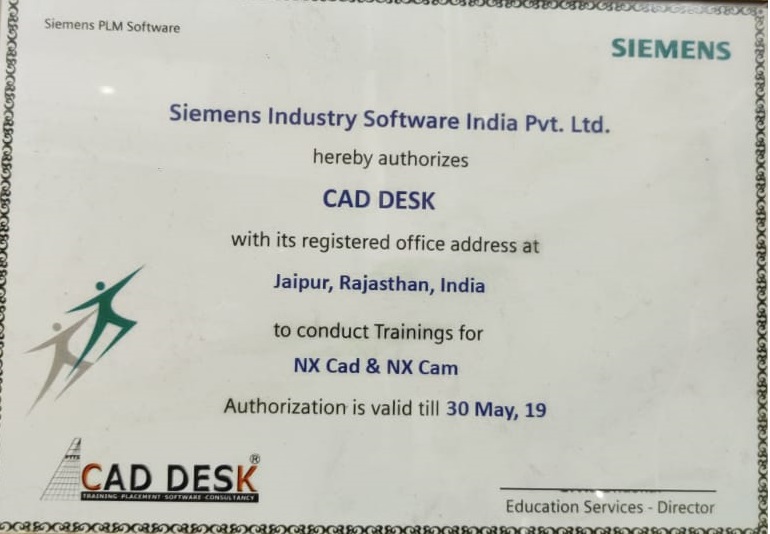
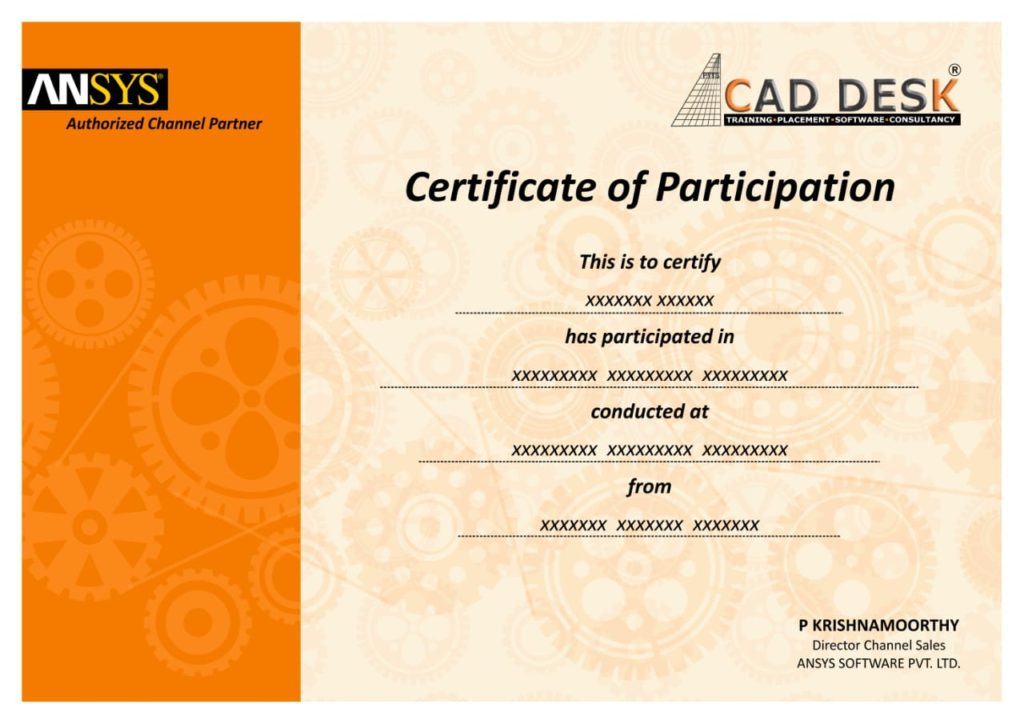
Assistance with all Leading  Certification Partner will be Provided on Demand 

Assistance with all Leading Certification Partner

Assistance / Guidance for Licences Partner Dessault  Certification

Assistance / Guidance for Licences Partner   Certification

Assistance / Guidance for Licences Partner   Certification

Have More Questions ? Frequently Asked Questions

Q. Is there Any prerequisite For Training

No such prerequisite, however a basic knowledge to the subject is preferable.

Any person 10th Pass can pursue. 

Q. What shall be mode of Training?

The training mode is LIVE Instructor led online training i.e by ZOOM, Skpye, Google MEET Etc

You have the facility to watch the recorded daily  Missed lectures anytime. 

Q What if Slow Internet Connection or If Could not Get Attend ?

Dont worry!! You will get recorded lectures on the mobile/web application, which you can see it later.

Q When Can I Start Training ?

The batch start  Every  Weeks Monday

You can select the preferred start date & Time  at the time of registration.

Special Batch / Weekend  Batch Customized Training Available.

Q When Can I Start Training ?

The average lecture duration shall be average 1 hour LIVE +QA

Extra 1 hour  for practice & assignments at home is good.

Q How do i ask if I have any queries ?

There will be doubts QA and session  everyday  During LIVE Training .

You can share yours Doubts Share Screen to Trainer 1 to 1 Basis.

How do i Get Study Material & Ebooks ?

You Can get  Training Material, Ebooks Assignments Access through Link during Training, Login Access , Gdrive etc

Can I Cancel the Course?

Once Enrolled you Cannot Cancel, However you can reschedule or Transfer the courses to Other Candidate or Other Softwares Training.


Q. What if I couldn’t join the training due to unavoidable reason?

You may Join Other Live Batch ,Next Live  Batch  Adjustment with Pune  Class room Batch & Recording also Available . Request to mail to admin@caddeskpune.com & whatsapp +91-8793166470

Q. Q. I do not have software. Do I need to buy the software or else how to get the software?

On registration  we will send the link of the official software website  link and you can download the trial software from there.

Q. I Don't have LAPTOP / PC ?

You Can   join live classes through Smartphone or watch recorded videos through Phone  anytime anywhere

However, you require Laptop or desktop for the practice and assignments.

You Can attend , Get Also Recording & can again practise with recordings and system -PC /Laptop once its available to you.

How do I get Certificate ?

The certificate shall be provided in digital form ( E-Certificate ISO 9001:2015 with QR code  once you complete the training . 

The physical certificate you can take Color  printout & laminate with less than Rs 50/- anywhere

Q.Do Industry Recognize Certificate?

Most industries/MNC  and Universities/college recognise its certificate.


As off now there is no such authorising body in India for short term online courses so it all works on the virtue of reputation.

Do you Provide Placements or 100% Job Gurantee?

We do Provide free 100% Placements Assistance since already we are into placements since 10+ yrs.

100% Job Gurantee Even   IIT & IIM also does not  provide.

We don’t want to  Give false promises …Covid19 taught us there is no guarantee of anyjob and no guarantee of  any market conditions .


Q. Other Benifits?

Offline doubt revision through any of  Pune centers in India.

FREE Online rejoining Next Live Batch 

Recording Acees Liftime

Placements Assistance 


MECHANICAL CAD COURSES

ELECTRICAL CAD COURSES

CIVIL CAD COURSES

BIM CAD COURSES

  • INTERIOR TRAINING COURSES
  • ARCHITECTURE CAD COURSES

Meta

  • Log in

ADDRESS

CAD DESK PUNE- B25, 4th FloorShivam Complex ,Shankarmath, Pune-Solapur Highway

Hadapsar Pune 411028 Maharashtra India

Call :+918793166470

CADDESK HADAPSAR PUNE Franchise Partners By Themespride

Call Us Now
1

Powered by
...
►
Necessary cookies enable essential site features like secure log-ins and consent preference adjustments. They do not store personal data.
None
►
Functional cookies support features like content sharing on social media, collecting feedback, and enabling third-party tools.
None
►
Analytical cookies track visitor interactions, providing insights on metrics like visitor count, bounce rate, and traffic sources.
None
►
Advertisement cookies deliver personalized ads based on your previous visits and analyze the effectiveness of ad campaigns.
None
►
Unclassified cookies are cookies that we are in the process of classifying, together with the providers of individual cookies.
None

Powered by