
FLAT 30 % OFF Apply Coupon Code GET30
AutoCAD is Very Powerful drafting CAD software used to create 2D Drawings and 3D Models Precisely
Training Higlights
Live Training
Doubts Session
Lifetime Recording
Free Ebook
Interview Calls
ISO Certificate
Course Syllabus
| ANSYS Training (28 Days ) | |
| Introduction | |
| Product Design cycle. | |
| Before you start using Ansys | |
| 1 | CAD/CAM/CAE |
| History/need/advantages/limitations of FEM/FEA | |
| Introduction to theAnsys GUI | |
| Introduction of FEM | |
| Basics of FEM | |
| Different types of analysis using Ansys software. | |
| 2 | General Steps of the Finite Element Method |
| Explanation of 1D, 2D and 3D Elements with examples of ANSYS | |
| About ANSYS | |
| ANSYS Family of products with their capabilities | |
| Product Launcher | |
| 3 | Launcher Tasks |
| Launcher Menu Options | |
| Introduction to Ansys interface | |
| Introduction about coordinate system. | |
| Preprocessor:Solid Modeling | |
| Basic geometrical entities creation in solid modeling like key | |
| points, lines, areas. | |
| 4 | Working with Boolean operations for 1d |
| objects like add,subtract, intersect,overlap, glue, etc. | |
| 5 | Introduction about APDL Language |
| Using the session editor | |
| Saving and resuming the file in Ansys environment. | |
| 6 | Pan/zoom/rotate for model |
| Offset the UCS in Ansys environment | |
| Rotate the UCS in Ansys environment | |
| Assigning Element Attributes before meshing. | |
| Using mesh Controls for generating 1d mesh. | |
| 7 | Element Type: |
| Define element type according to analysis | |
| 8 | Real Constant: |
| Define real constant according to element if required | |
| Material Properties: | |
| Assigning material properties to solid model according to requirement | |
| Boundary and loading Conditions: | |
| Types of Loads | |
| Applying Supports | |
| 9 | Structural Analysis: |
| Linear Static analysis with taking linkelements. | |
| Linear Static analysis with taking beam element. | |
| 10 | Generation of Area with key point, lines and 2d primitives. |
| Working with Boolean operation Like add, subtract, intersect and divide, | |
| etc. for 2d entities. | |
| Assigning Element Attributes before meshing. | |
| Using mesh Controls for generating 2d mesh. | |
| Generating free mesh for 2d elements by | |
| 11 | Defining no. of elements on line or element size for meshing 2d model |
| Generate mapped mesh for 2d model | |
| 12 | Linear Static analysis of trusses. |
| Linear Static analysis by taking plane element. | |
| 13 | Linear Static analysis by taking plane element with thickness option. |
| Linear Static analysis by taking plane element with axis symmetry | |
| 14 | Introduction of Modelling |
| Working with Boolean operations for 3d objects like add, subtract, intersect, | |
| overlap, glue, etc. | |
| 15 | Generating model by using 3d operation like extrude, revolve, sweep. |
| Creation of nodes and elements directly | |
| 16 | Generating model |
| exercise-1 | |
| 17 | Generating model |
| exercise-2 | |
| 18 | v Generating model |
| exercise-3 | |
| 19 | Introduction of Meshing |
| Assigning Element Attributes before meshing. | |
| Mesh Controls for defining 3d models | |
| 20 | Meshing for 3d elements. |
| 21 | Meshing by using manual option. |
| Meshing by using The ANSYS Mesh Tool | |
| Mapped meshing with concatenate command | |
| 22 | Mapped meshing for 3d models by using meshing controls. |
| Linear Static analysis by taking solid element with tetrahedral element | |
| 23 | Linear Static analysis by importing model from cad environment |
| 24 | Thermal Analysis: |
| Conduction analysis | |
| Convection analysis | |
| Radiation analysis | |
| 25 | Post-processing |
| Contour Plot Viewing | |
| List of results | |
| 26 | Query result on node orelements |
| Defining element table for beam analysis. | |
| Contour plot results for element table for SFD & BMD with beam element. | |
| 27 | Report Generator |
| 28 | Major Project |
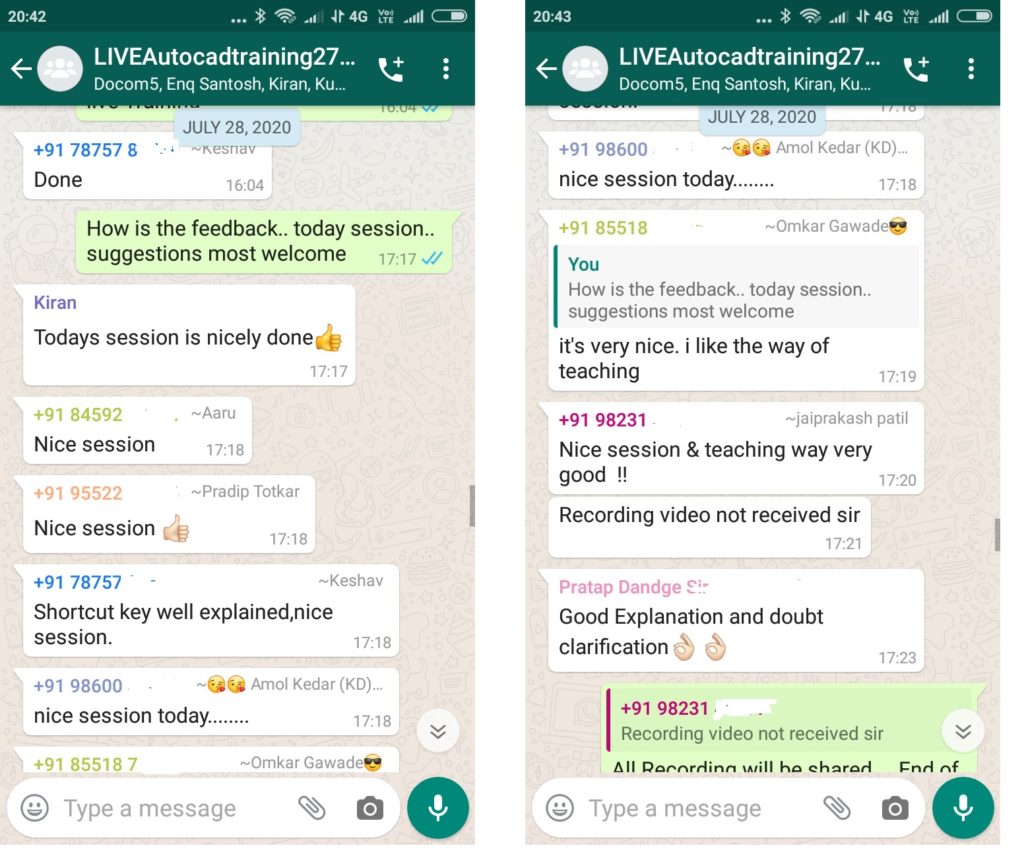
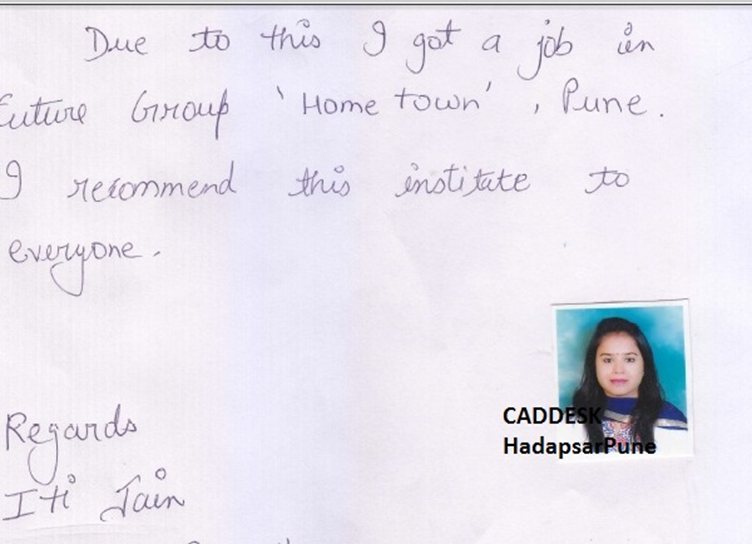
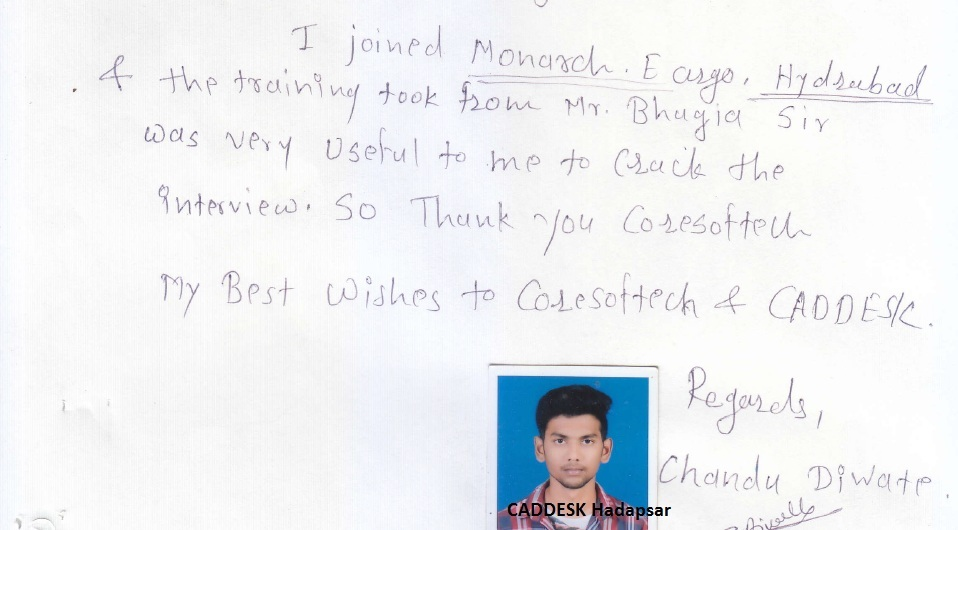
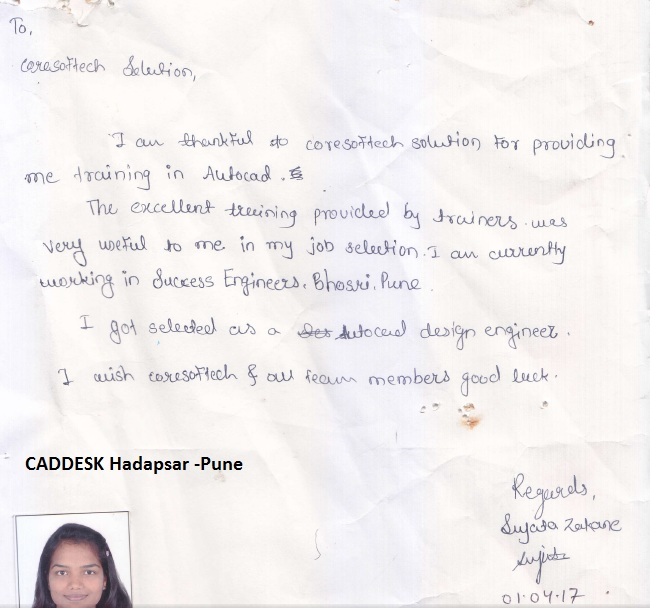
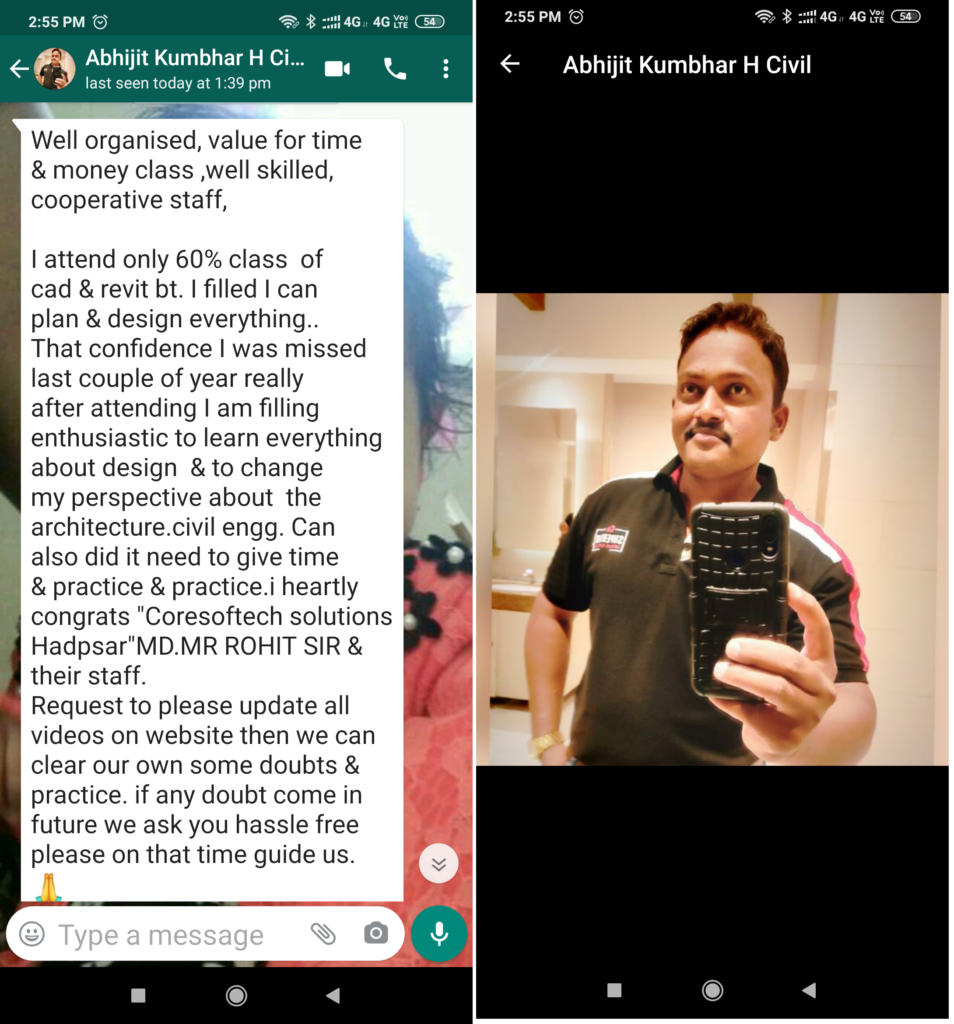
Feed Back - What our Student Says
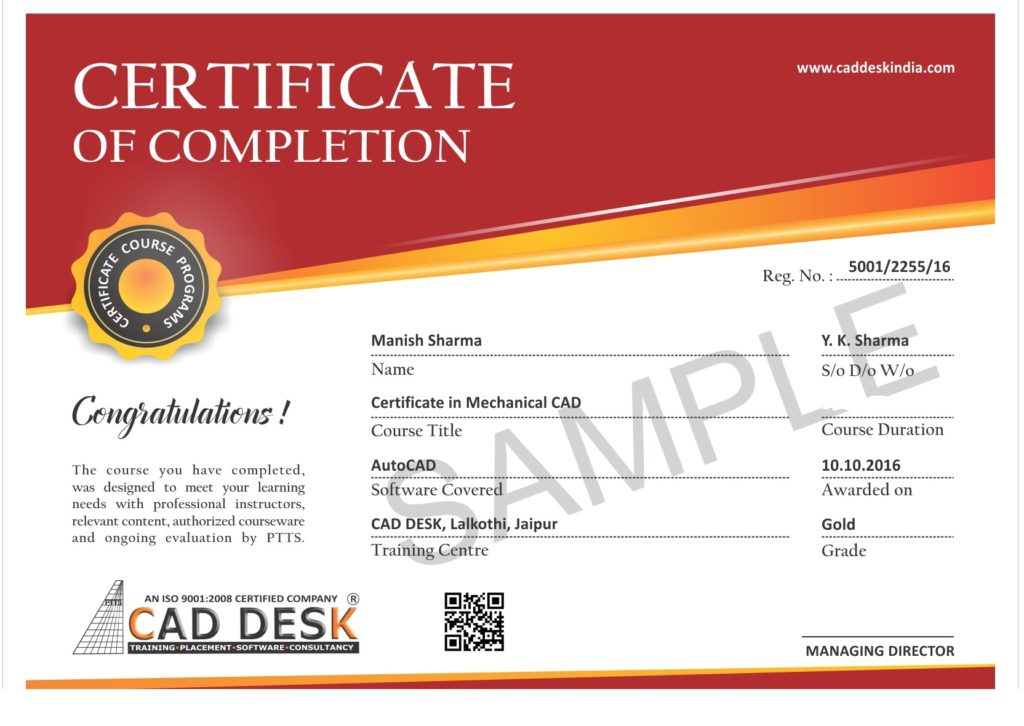
How will you get your certificate?
After Successful Completion Course Students will get ISO Certified SoftCopy via Mails or Can be Easily Downloaded from https://coresoftech.com
Assistance with all Leading Certification Partner
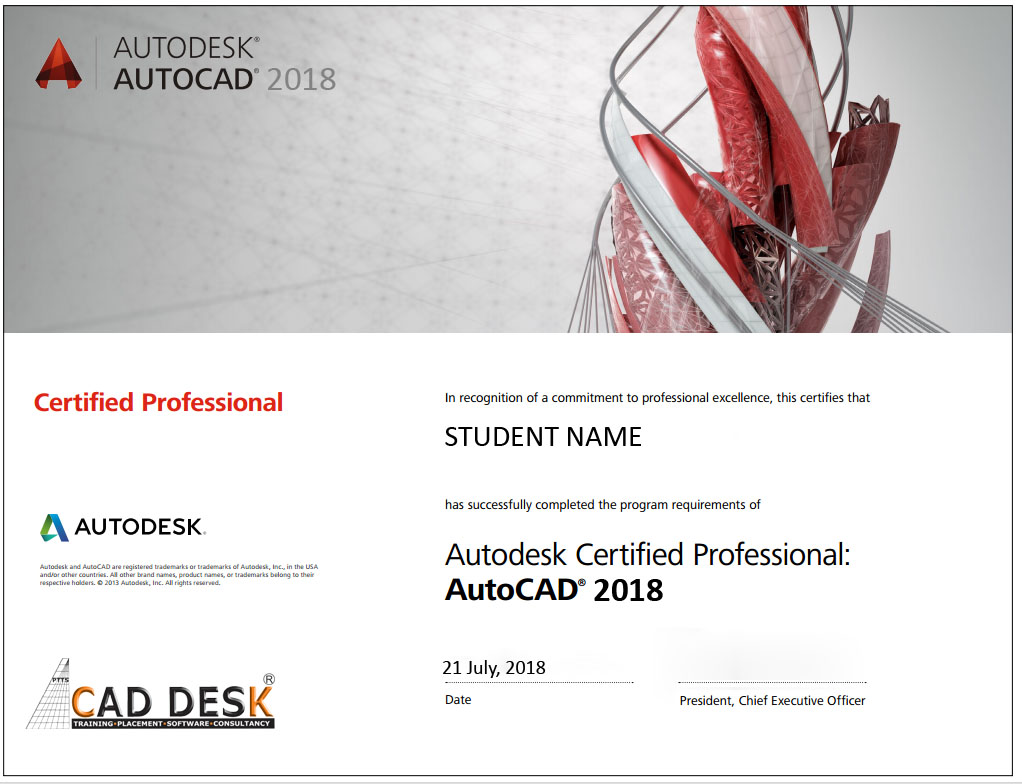
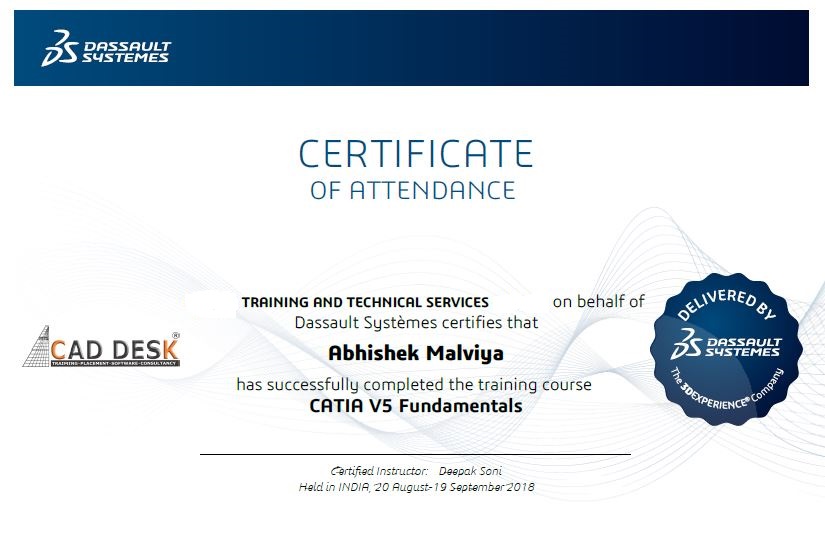
Assistance / Guidance for Licences Partner Dessault Certification
Assistance / Guidance for Licences Partner Certification
Have More Questions ? Frequently Asked Questions
No such prerequisite, however a basic knowledge to the subject is preferable.
Any person 10th Pass can pursue.
The training mode is LIVE Instructor led online training i.e by ZOOM, Skpye, Google MEET Etc
You have the facility to watch the recorded daily Missed lectures anytime.
Dont worry!! You will get recorded lectures on the mobile/web application, which you can see it later.
The batch start Every Weeks Monday
You can select the preferred start date & Time at the time of registration.
Special Batch / Weekend Batch Customized Training Available.
The average lecture duration shall be average 1 hour LIVE +QA
Extra 1 hour for practice & assignments at home is good.
There will be doubts QA and session everyday During LIVE Training .
You can share yours Doubts Share Screen to Trainer 1 to 1 Basis.
You Can get Training Material, Ebooks Assignments Access through Link during Training, Login Access , Gdrive etc
Once Enrolled you Cannot Cancel, However you can reschedule or Transfer the courses to Other Candidate or Other Softwares Training.
You may Join Other Live Batch ,Next Live Batch Adjustment with Pune Class room Batch & Recording also Available . Request to mail to admin@caddeskpune.com & whatsapp +91-8793166470
On registration we will send the link of the official software website link and you can download the trial software from there.
You Can join live classes through Smartphone or watch recorded videos through Phone anytime anywhere
However, you require Laptop or desktop for the practice and assignments.
You Can attend , Get Also Recording & can again practise with recordings and system -PC /Laptop once its available to you.
The certificate shall be provided in digital form ( E-Certificate ISO 9001:2015 with QR code once you complete the training .
The physical certificate you can take Color printout & laminate with less than Rs 50/- anywhere
Most industries/MNC and Universities/college recognise its certificate.
As off now there is no such authorising body in India for short term online courses so it all works on the virtue of reputation.
We do Provide free 100% Placements Assistance since already we are into placements since 10+ yrs.
100% Job Gurantee Even IIT & IIM also does not provide.
We don’t want to Give false promises …Covid19 taught us there is no guarantee of anyjob and no guarantee of any market conditions .
Offline doubt revision through any of Pune centers in India.
FREE Online rejoining Next Live Batch
Recording Acees Liftime
Placements Assistance