
FLAT 30 % OFF Apply Coupon Code GET30
AutoCAD is Very Powerful drafting CAD software used to create 2D Drawings and 3D Models Precisely
Training Higlights
Live Training
Doubts Session
Lifetime Recording
Free Ebook
Interview Calls
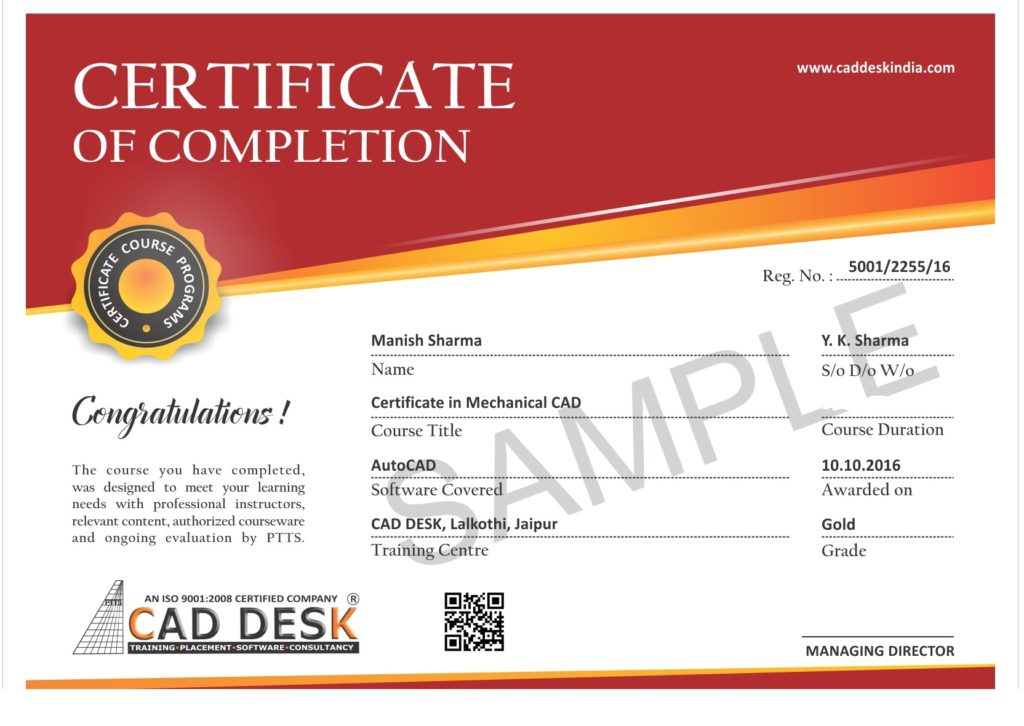
ISO Certificate
SOFTWARE TESTING - Syllabus
Python Scripting Syllabus
1: Introduction to Python
Installation and Working with PythonUnderstanding Python variablesPython basic Operators, Understanding python blocks
2: Python Data Types
Declaring and using Numeric data types.
Using string data type and string operations
Defining list and list slicing, Use of Tuple data type
3: Python Program Flow Control
Conditional blocks using if, else and elif
Simple for loops in python
For loop using ranges, string, list and dictionaries
Use of while loops in python
Loop manipulation using pass, continue, break and else
Programming using Python conditional and loops block
4: Python Functions, Modules and Packages
Organizing python codes using functions
Organizing python projects into modules
Importing own module as well as external modules
Understanding Packages
Powerful Lambda function in python
Programming using functions, modules and external packages
5: Python String, List and Dictionary Manipulations
Building blocks of python programs
Understanding string in build methods
List manipulation using in build methods
Dictionary manipulation, Programming using string, list and dictionary in build functions
6: Python File Operation
Reading Config files in python
Writing log files in python Understanding read functions, read(), readline() and readlines()
Understanding write functions, write () and writelines()
Manipulating file pointer using seek
Programming using file operations
7: Python Object Oriented Programming – Oops
Concept of class, object and instances
Constructor, class attributes and destructors
Real time use of class in live projects
Inheritance, overlapping and overloading operators
Adding and retrieving dynamic attributes of classes
Programming using Oops support
8: Python Regular Expression
Powerful pattern matching and searching
Power of pattern searching using regex in python
Real time parsing of networking or system data using regex
Password, email, URL validation using regular expression
Pattern finding programs using regular expression
9: Python Exception Handling
Avoiding code break using exception handling
Safeguarding file operation using exception handling
Handling and helping developer with error code
Programming using Exception handling
10: Python Database Interaction
SQL Database connection using python, creating and searching tables
Reading and storing Config information on database, Programming using database connections
List Comprehension
Generator
Range /X Range
Deep Copy/Shallow copy
Maps
Reduce
Filter
Modules
SYS,OS,Regex
Subprocess
Logging
Debugging Modules
PDB Models
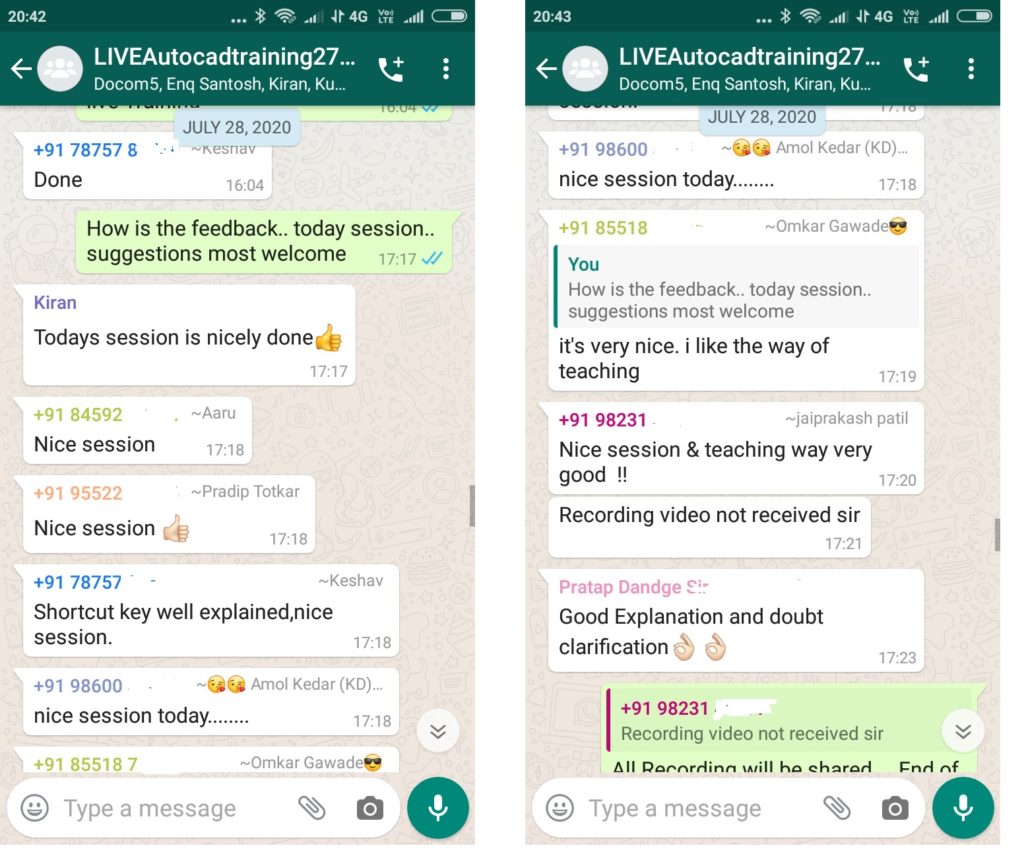
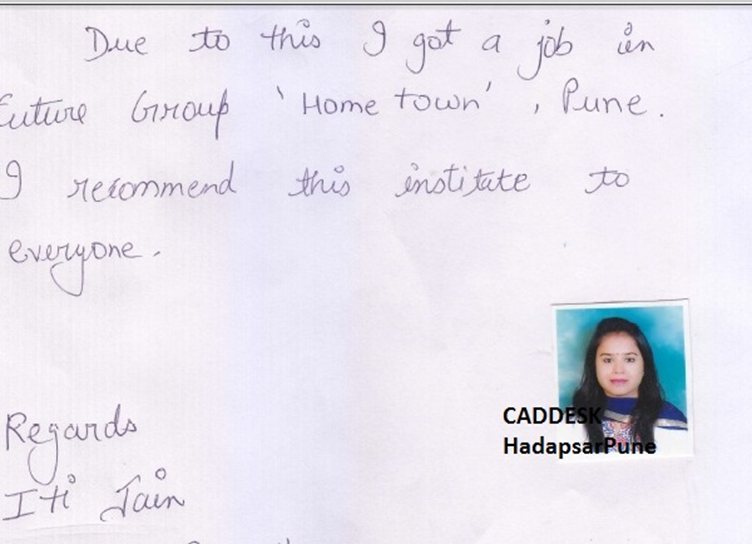
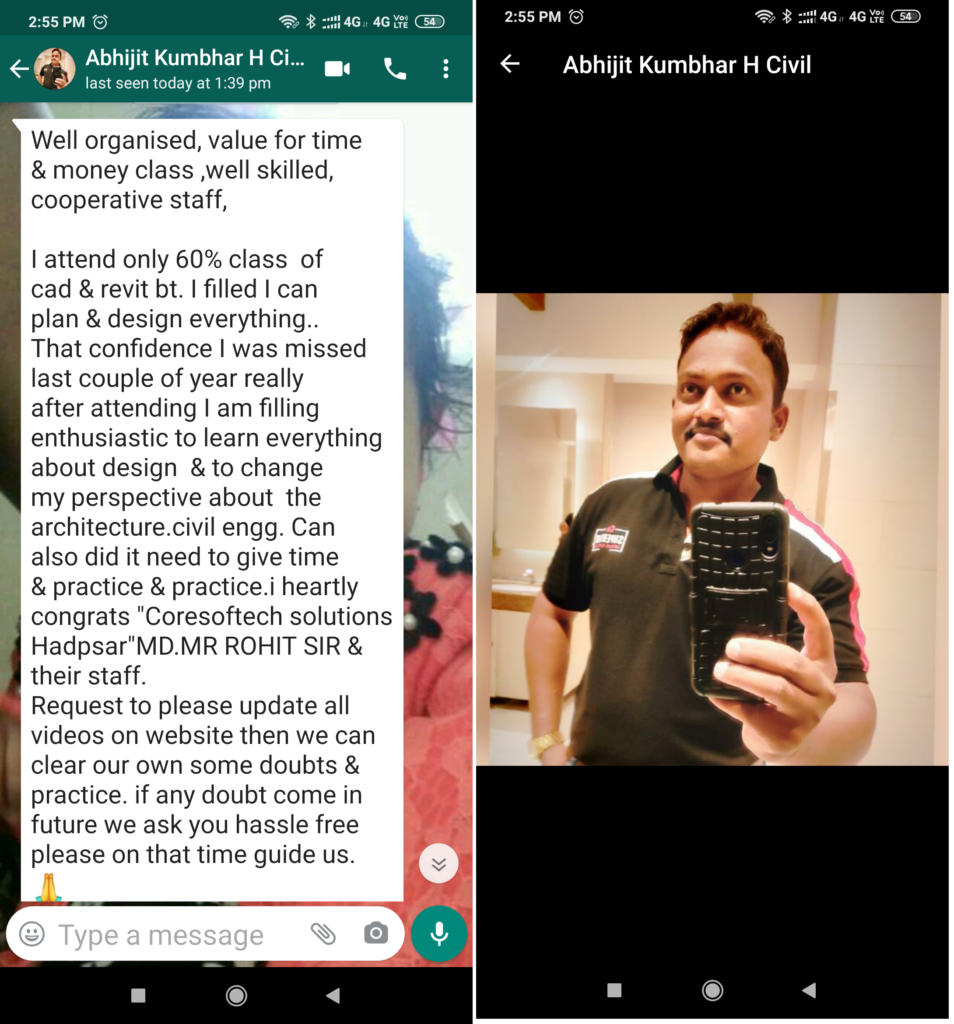
Feed Back - What our Student Says
How will you get your certificate?
After Successful Completion Course Students will get ISO Certified SoftCopy via Mails or Can be Easily Downloaded from https://coresoftech.com
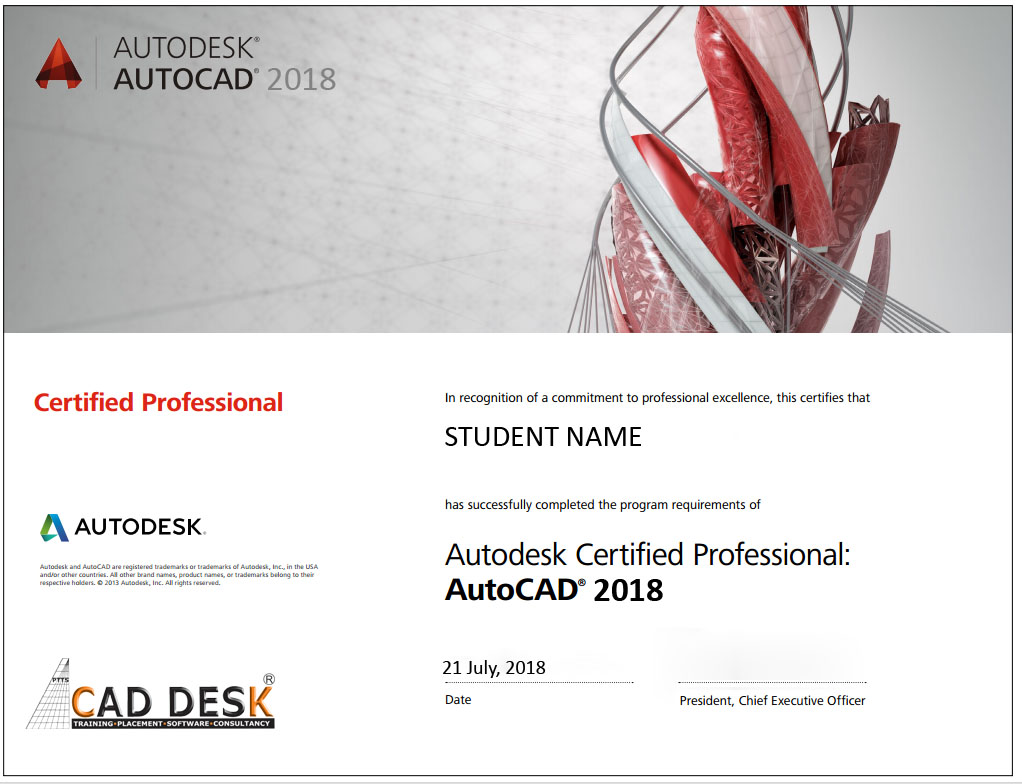
Assistance with all Leading Certification Partner
Have More Questions ? Frequently Asked Questions
No such prerequisite, however a basic knowledge to the subject is preferable.
Any person 10th Pass can pursue.
The training mode is LIVE Instructor led online training i.e by ZOOM, Skpye, Google MEET Etc
You have the facility to watch the recorded daily Missed lectures anytime.
Dont worry!! You will get recorded lectures on the mobile/web application, which you can see it later.
The batch start Every Weeks Monday
You can select the preferred start date & Time at the time of registration.
The average lecture duration shall be average 1 hour LIVE +QA
Extra 1 hour for practice & assignments at home is good.
There will be doubts QA and session everyday During LIVE Training .
You can share yours Doubts Share Screen to Trainer 1 to 1 Basis.
You Can get Training Material, Ebooks Assignments Access through Link during Training, Login Access , Gdrive etc
Once Enrolled you Cannot Cancel, However you can reschedule or Transfer the courses to Other Candidate or Softwares Training.
You may Join Other Live Batch , Adjustment with Class room Batch And request to admin@caddeskpune.com
On registration we will send the link of the official software website link and you can download the trial software from there.
You Can join live classes through Smartphone or watch recorded videos through Phone anytime anywhere
However, you require Laptop or desktop for the practice and assignments.
The certificate shall be provided in digital form ( E-Certificate ISO 9001:2015 with QR code once you complete the training .
The physical certificate you can take Color printout & laminate with less than Rs 50/- anywhere
Most industries/MNC and Universities/college recognise its certificate.
As off now there is no such authorising body in India for short term online courses so it all works on the virtue of reputation.
We do Provide free 100% Placements Assistance.
100% Job Gurantee Even IIT & IIM also don’t provide.
We dont want to trap & Give false promises .
Offline doubt revision through any of Pune centers in India.
FREE Online rejoining Next Live Batch