
FLAT 30 % OFF Apply Coupon Code GET30
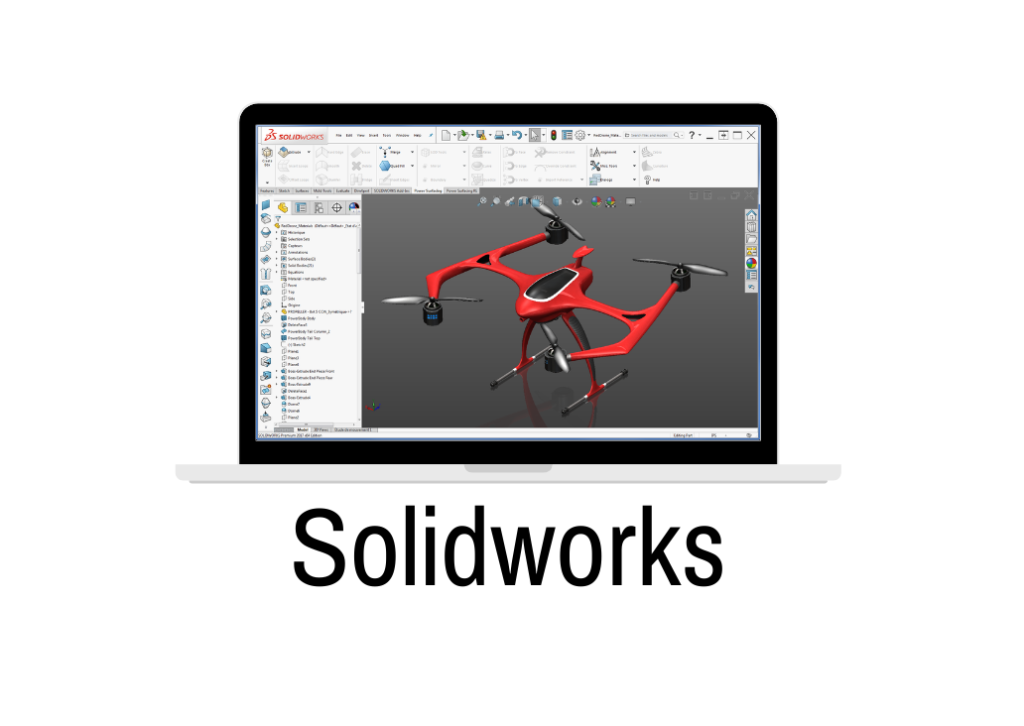
Creo is Very Powerful drafting CAD software used to create 2D Drawings and 3D Models Precisely
Training Higlights
Live Training
Doubts Session
Lifetime Recording
Free Ebook
Interview Calls
ISO Certificate
Course Syllabus
| SOLIDWORKS Training 30HRS ( Online Live+ Free Recording ) (28Hrs) 28 Days |
| TOPICS TO COVER |
| Introduction to PDC & CAD/CAM/CAE |
| Parametric and Non-parametric Modeling |
| Introduction to Solidworks |
| GUI of Solidworks |
| Sketch Module |
| Sketch Entities |
| Sketch Modifying Tools |
| Parametric Modelling |
| Geometric Relations |
| Fully Defined Sketch |
| Over defined Sketch |
| Under defined Sketch |
| Part Design Module |
| Solid Modelling |
| Creating Base Features |
| Creating Reference Geometries |
| Creating New Planes |
| Creating Reference Axes |
| Creating Reference Points |
| Creating Reference Coordinate Systems |
| Creating Cut Features |
| Creating Standard Holes Using the Hole Wizard |
| Adding External Cosmetic Threads |
| Selection Methods |
| Changing the Sketch Plane of the Sketches |
| Editing Using the Instant3D Tool |
| Deleting Features |
| Deleting Bodies |
| Suppressing Features |
| Unsurprising the Suppressed Features |
| Creating various types of Curves |
| Creating Dome Features |
| Creating Indents |
| Creating Deform Features |
| Creating Flex Features |
| Creating the Mounting Boss |
| Creating Snap Hooks |
| Creating Snap Hook Grooves |
| Creating Vents |
| Creating a Lip/Groove Feature |
| Creating Freeform Features |
| Rendering |
| Editing Appearance |
| Editing Scene |
| Editing Decal |
| Rendering Settings |
| Rendering a Region |
| Final Rendering |
| Sheet Metal Design |
| Creating the Base Flange |
| Creating the Edge Flange |
| Creating the Sketched Bend |
| Creating the Miter Flange |
| Creating Closed Corners |
| Creating Hems |
| Creating the Jog Bend |
| Breaking the Corners |
| Creating Lofted Bends |
| Converting a Solid Body into a Sheet Metal Part |
| Ripping the Edges |
| Forming Tool design |
| Surface Design |
| Creating an Extruded Surface |
| Creating a Revolved Surface |
| Creating a Swept Surface |
| Creating a Lofted Surface |
| Creating a Boundary Surface |
| Creating a Planar Surface |
| Creating a Fill Surface |
| Creating a Radiated Surface |
| Offsetting Surfaces |
| Trimming Surfaces |
| Untrimming Surfaces |
| Extending Surfaces |
| Knitting Surfaces |
| Filleting Surfaces |
| Replacing Faces |
| Deleting Faces |
| Mirroring Surface Bodies |
| Adding Thickness to Surface Bodies |
| Creating a Thicken Surface Cut |
| Creating a Surface Cut |
| Weldment Design |
| 3D Sketching |
| Assign Structural Members |
| Performing end operations |
| Using End Cap, Gusset |
| Assembly Module |
| Introduction to Assembly |
| Assembly Approaches |
| Applying Standard Mate |
| Applying Advanced Mate |
| Applying Mechanical Mates |
| Creating Patterns of Components in an Assembly |
| Copying and Mirroring Components |
| Smart Fasteners |
| Hiding Components |
| Creating the Exploded State of an Assembly |
| Creating Exploding and Assembly Videos |
| Design Library and Toolbox |
| Motion Study |
| Drawing Module |
| Adding New Sheets to the Drawing Views |
| Editing the Sheet Format |
| Creating User-Defined Sheet Formats |
| View Layout Tab |
| Creating different views from the 3D Model |
| Generating Drawing Views of the Exploded State of an Assembly |
| Editing and Modifying Drawing Views |
| Adding Balloons to the Drawing Views |
| Adding Annotations to Drawing Views |
| Adding the Bill of Materials (BOM) to a Drawing |
| Output as PDF |
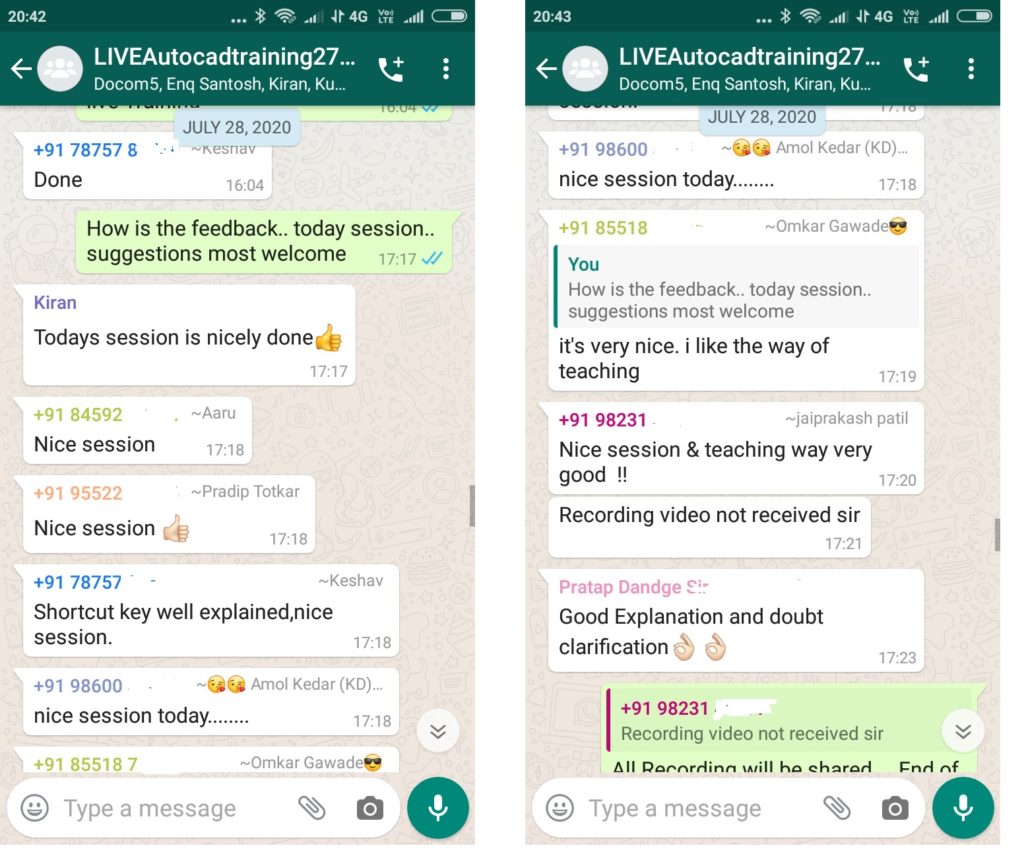
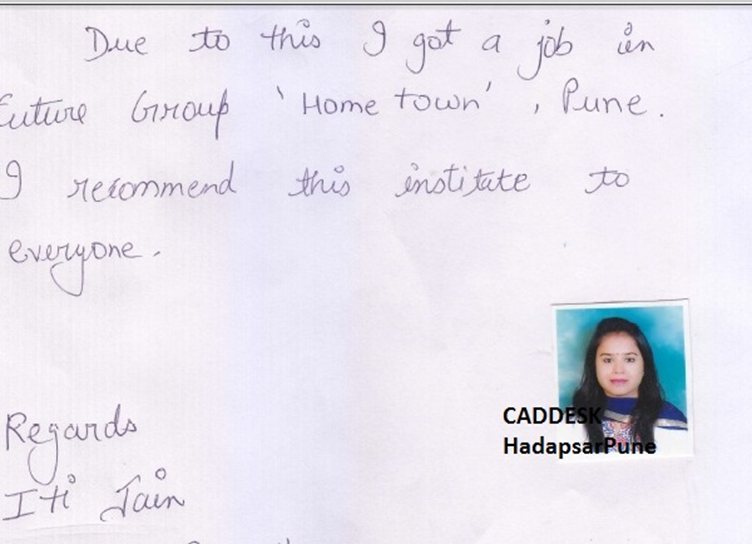
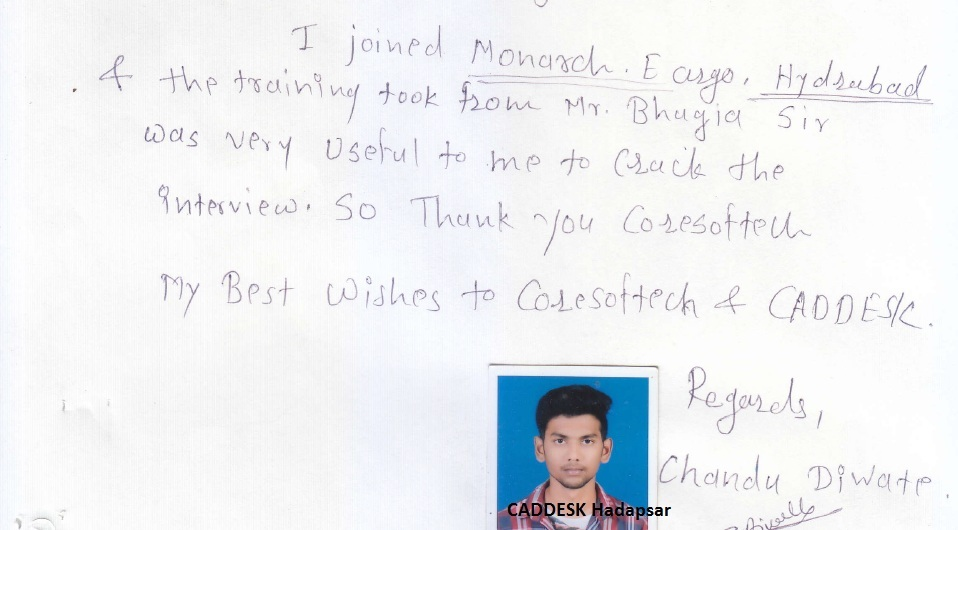
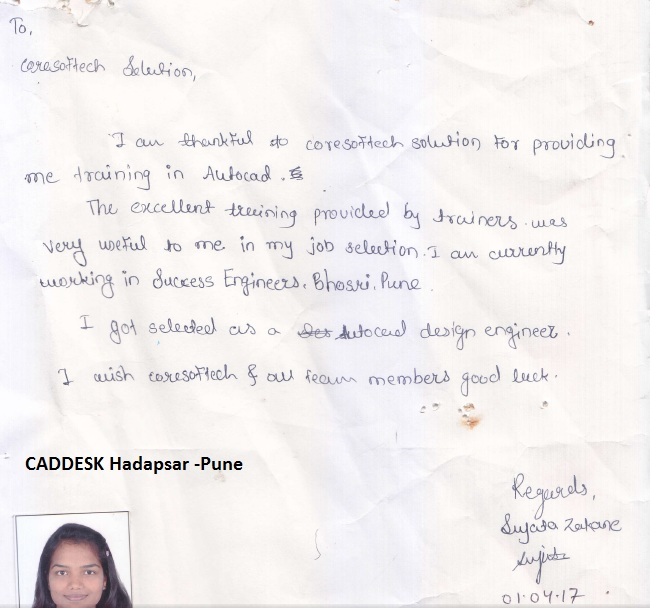
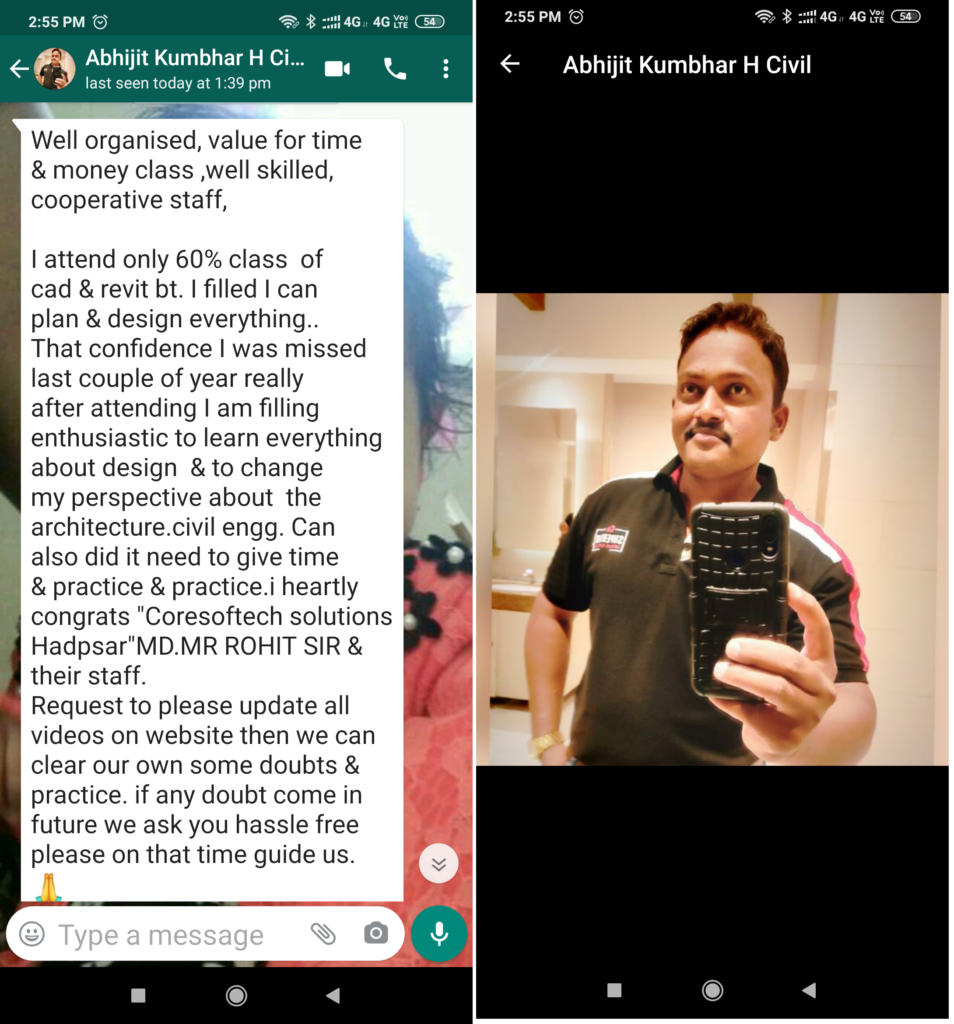
Feed Back - What our Student Says
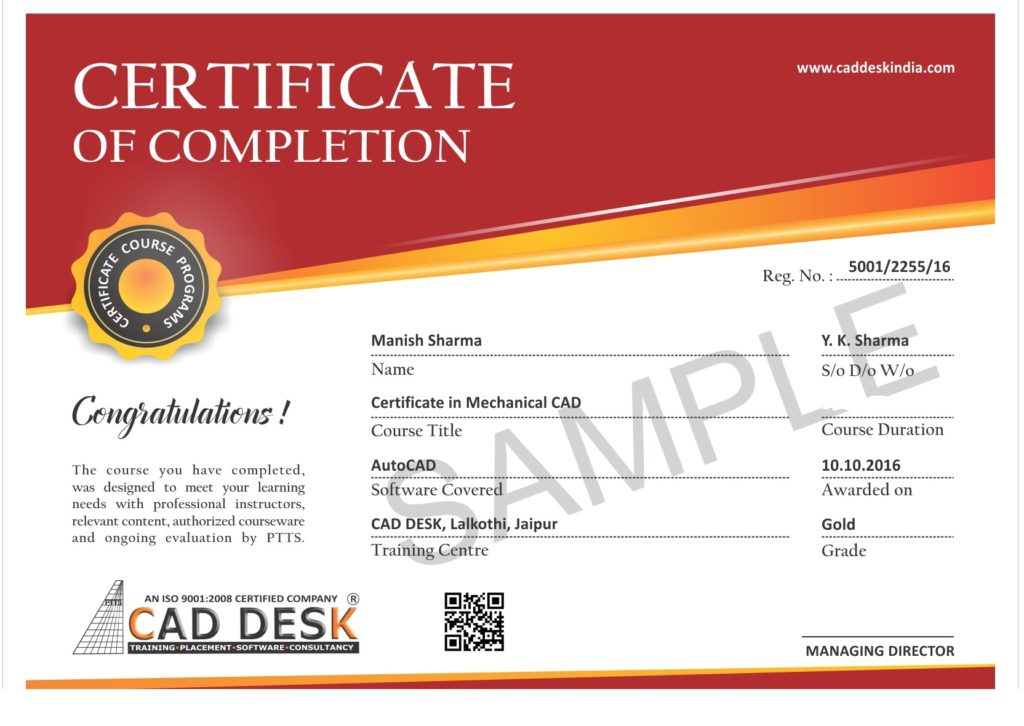
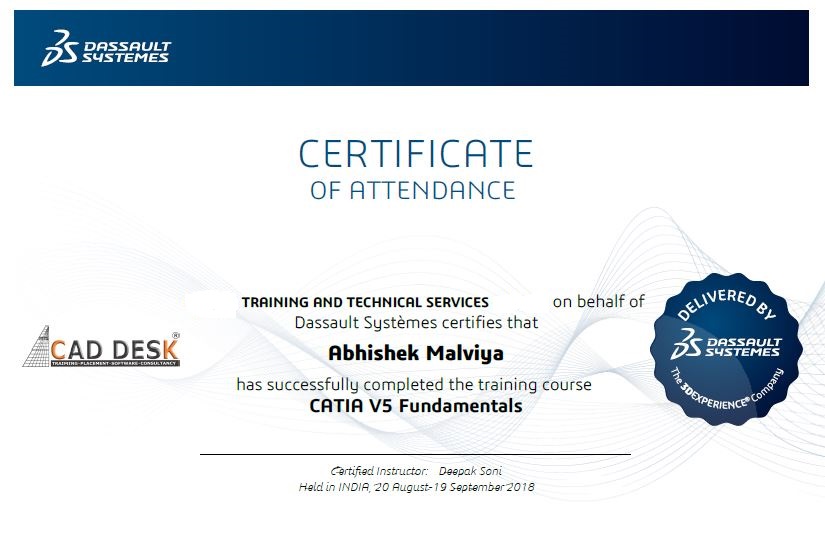
How will you get your certificate?
After Successful Completion Course Students will get ISO Certified SoftCopy via Mails or Can be Easily Downloaded from https://coresoftech.com
Assistance with all Leading Certification Partner
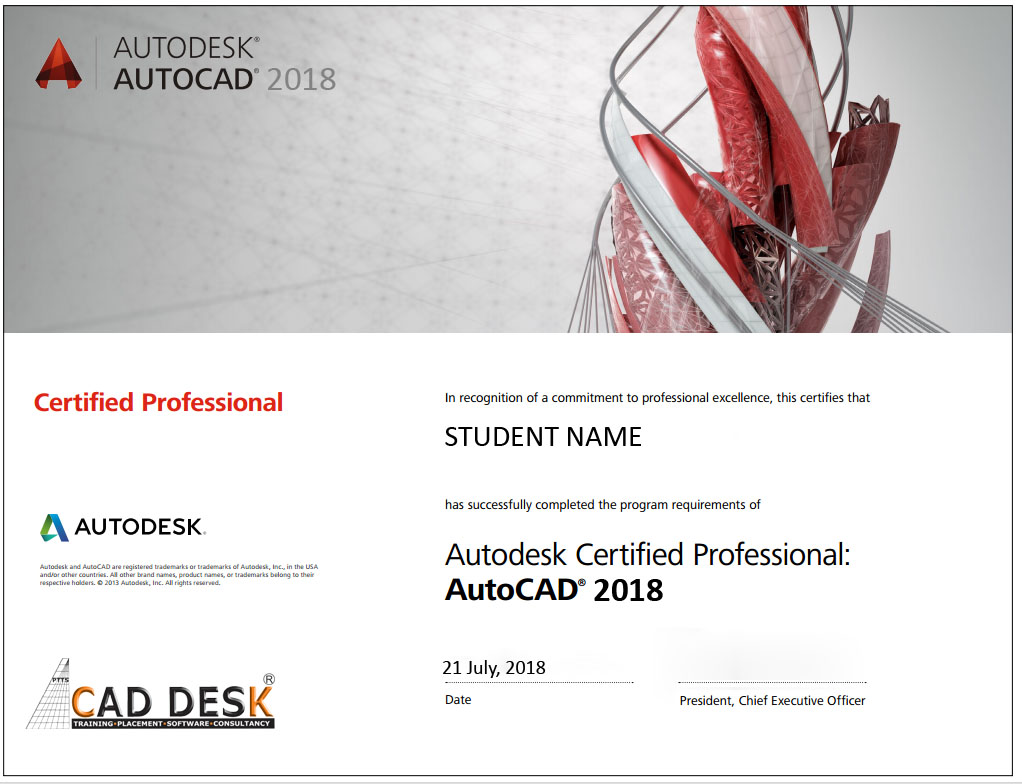
Assistance / Guidance for Licences Partner Dessault Certification
Have More Questions ? Frequently Asked Questions
No such prerequisite, however a basic knowledge to the subject is preferable.
Any person 10th Pass can pursue.
The training mode is LIVE Instructor led online training i.e by ZOOM, Skpye, Google MEET Etc
You have the facility to watch the recorded daily Missed lectures anytime.
Dont worry!! You will get recorded lectures on the mobile/web application, which you can see it later.
The batch start Every Weeks Monday
You can select the preferred start date & Time at the time of registration.
Special Batch / Weekend Batch Customized Training Available.
The average lecture duration shall be average 1 hour LIVE +QA
Extra 1 hour for practice & assignments at home is good.
There will be doubts QA and session everyday During LIVE Training .
You can share yours Doubts Share Screen to Trainer 1 to 1 Basis.
You Can get Training Material, Ebooks Assignments Access through Link during Training, Login Access , Gdrive etc
Once Enrolled you Cannot Cancel, However you can reschedule or Transfer the courses to Other Candidate or Other Softwares Training.
You may Join Other Live Batch ,Next Live Batch Adjustment with Pune Class room Batch & Recording also Available . Request to mail to admin@caddeskpune.com & whatsapp +91-8793166470
On registration we will send the link of the official software website link and you can download the trial software from there.
You Can join live classes through Smartphone or watch recorded videos through Phone anytime anywhere
However, you require Laptop or desktop for the practice and assignments.
You Can attend , Get Also Recording & can again practise with recordings and system -PC /Laptop once its available to you.
The certificate shall be provided in digital form ( E-Certificate ISO 9001:2015 with QR code once you complete the training .
The physical certificate you can take Color printout & laminate with less than Rs 50/- anywhere
Most industries/MNC and Universities/college recognise its certificate.
As off now there is no such authorising body in India for short term online courses so it all works on the virtue of reputation.
We do Provide free 100% Placements Assistance since already we are into placements since 10+ yrs.
100% Job Gurantee Even IIT & IIM also does not provide.
We don’t want to Give false promises …Covid19 taught us there is no guarantee of anyjob and no guarantee of any market conditions .
Offline doubt revision through any of Pune centers in India.
FREE Online rejoining Next Live Batch
Recording Acees Liftime
Placements Assistance